
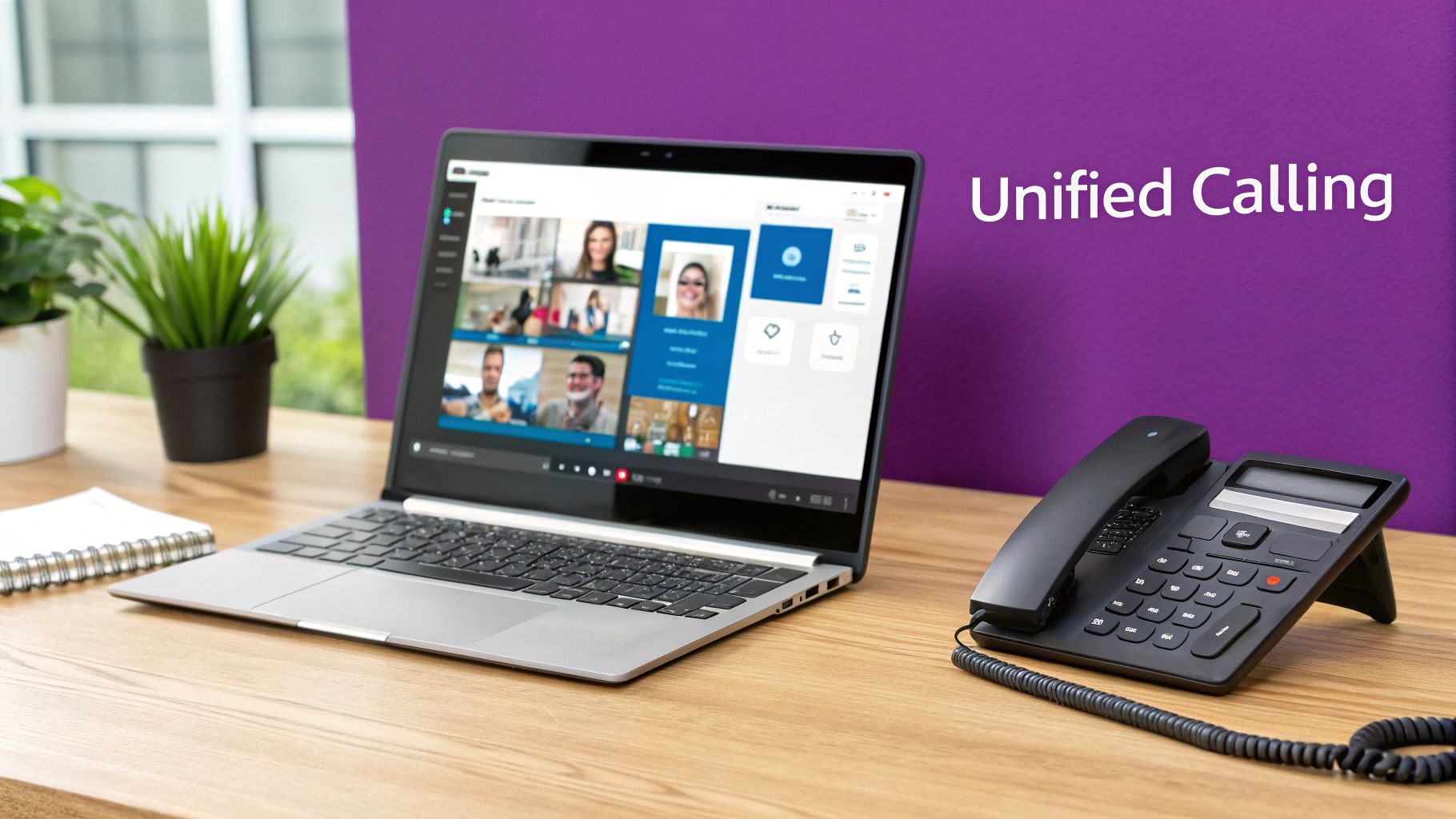
Imagine your entire business communication system – internal chats, video meetings, and external phone calls – all living harmoniously in one place. That's the real power of Microsoft Teams Phone. It’s a complete, cloud-based phone system built directly into the Microsoft Teams you likely already use, letting you make and receive calls to outside numbers from any device.
Unifying Your Business Communications
At its heart, Microsoft Teams Phone is the feature that elevates the familiar Teams app from a great internal collaboration tool into a fully-fledged business phone system. It does away with the need for a traditional on-site PBX (Private Branch Exchange) box in the server room or a separate VoIP subscription from another provider.
Think of it like this: your old office phone system was a separate, clunky filing cabinet dedicated only to calls. Microsoft Teams Phone takes that cabinet and integrates it seamlessly into your main digital workspace. This means you can call a customer’s landline or a supplier's mobile right from the same app you use to chat with colleagues, join video meetings, and share files.
What Does This Mean in Practice?
This single-pane-of-glass approach brings huge practical benefits for UK businesses, particularly for those embracing hybrid or remote working. It untethers your business number from a physical desk phone, giving your team the freedom to stay connected no matter where they are.
The key advantages really boil down to this:
- True Mobility: Your staff can make and take calls on their main business number using a laptop in a coffee shop, the Teams mobile app while on the train, or a traditional desk phone back in the office.
- Simplified Management: Your IT team is no longer juggling separate phone hardware, multiple vendor contracts, and complex on-site equipment. Everything is managed centrally through the familiar Microsoft 365 admin centre.
- Cost Efficiency: By bringing all your communication tools under one roof, businesses often see a significant drop in costs tied to old-fashioned line rentals, hardware maintenance, and separate calling plans.
A recent study found that organisations adopting Microsoft Teams Phone saw a 145% return on investment over three years. This was largely driven by shedding legacy costs and boosting employee productivity – a clear financial case for making the switch.
This isn't just about swapping out one handset for another; it's a fundamental change in how a business handles its voice communications. It's about weaving calling directly into the daily digital workflow. To get a broader view of modern telephony, you can explore our detailed guide on cloud phone systems.
Ultimately, Microsoft Teams Phone provides a solid foundation for building a more connected, flexible, and efficient workplace.
Comparing Your Calling Options: Calling Plans vs Direct Routing
Once you have the core Microsoft Teams Phone licence sorted, you hit your first big decision: how do you actually connect it to the outside world? This is all about making and receiving calls to landlines and mobiles, and it boils down to two main paths: Microsoft Calling Plans or Direct Routing.
Choosing the right one isn't just a technical detail; it's a strategic move that needs to line up with your budget, your in-house IT resources, and what you want to achieve as a business.
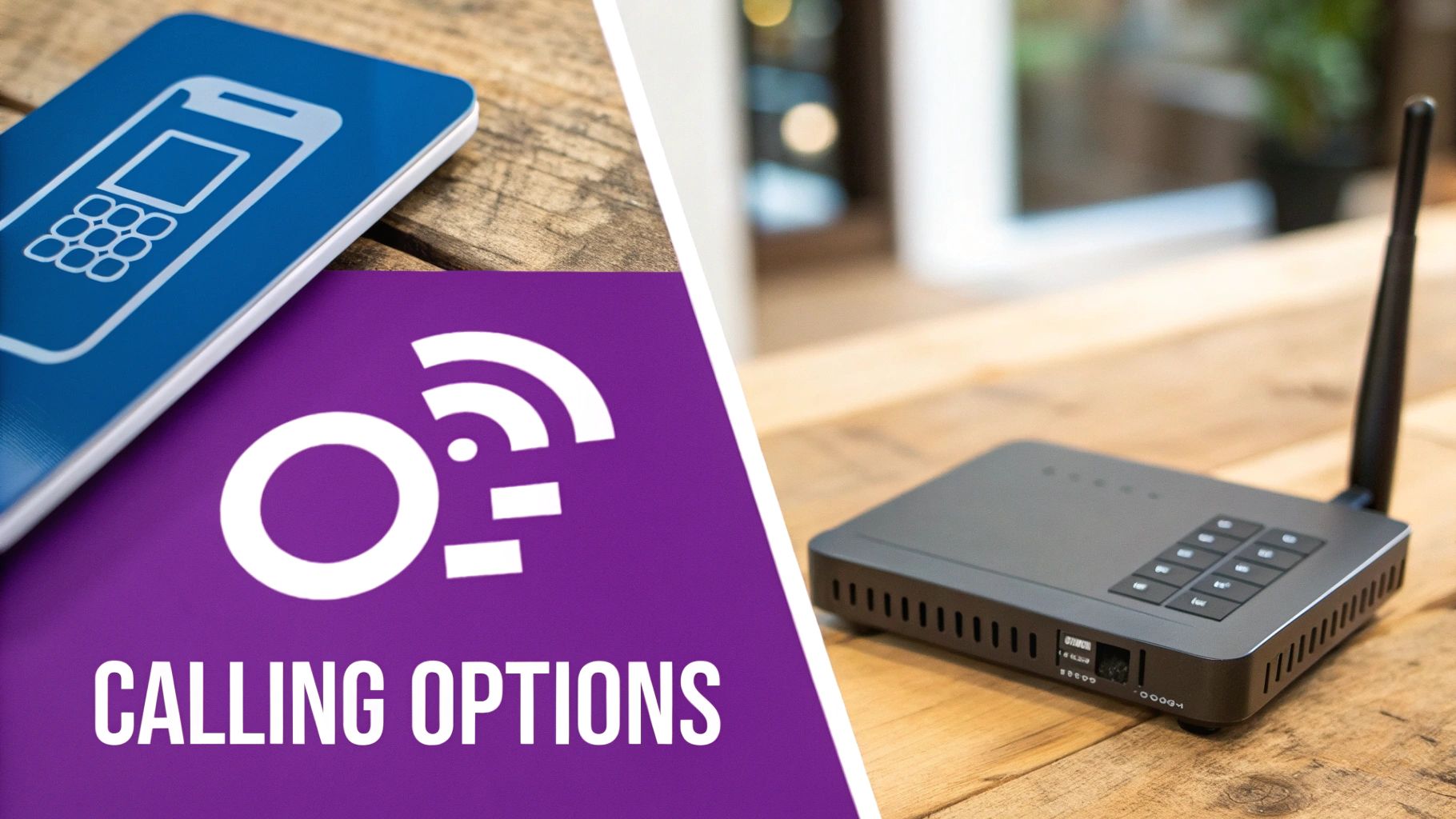
Think of it like getting a new mobile. You can grab an all-inclusive contract directly from a big network provider, where the handset, minutes, and data are all rolled into one simple package. Or, you can go SIM-only, bringing your own phone and finding a network deal that gives you more control and potentially better rates. Both get you connected, but in very different ways.
Microsoft Calling Plans: The All-in-One Solution
Microsoft’s Calling Plans are the most straightforward way to get your team making calls. In this setup, Microsoft becomes your all-in-one telephony provider. They give you the phone numbers and a bundle of calling minutes for each user, all neatly packaged up.
This approach is brilliantly simple. Everything is managed inside the Microsoft 365 world you're already familiar with, which means setup is quick and administration is a breeze. It’s a fantastic choice for many small to medium-sized UK businesses that want a no-fuss, rapid deployment without getting bogged down in complex telecoms contracts.
A few of the standout benefits include:
- Speed and Simplicity: You can literally have your team making and taking calls in a matter of hours, not weeks. Management happens right inside the admin centre you already use for everything else Microsoft.
- Predictable Costs: The bundled minutes make your monthly phone bill easy to forecast. Microsoft offers different tiers, like Domestic or Domestic and International plans, so you can match spending to each user’s role.
- A Single Vendor: No more juggling separate contracts with a telecoms provider. Microsoft handles it all, from the billing right through to support.
The trade-off for all this convenience? You're tied to the countries where Microsoft offers its services, and the per-minute cost might be higher than what you could get by negotiating directly with a dedicated provider, especially if you have a high call volume.
Direct Routing: The Flexible and Customisable Path
Direct Routing is the ‘bring your own carrier’ option. It’s the more flexible, à la carte approach that gives you maximum control by letting you connect your preferred telecoms provider directly into your Microsoft Teams Phone system. It’s essentially a bridge between Teams and the phone network of your choice.
This connection is made possible by a crucial bit of kit (either hardware or software) called a Session Border Controller (SBC). The SBC acts as a secure, intelligent gateway, routing calls between your telecom provider and your Teams environment. It’s the go-to option for larger companies or any business with specific, non-negotiable telephony needs.
Choosing Direct Routing empowers a business to maintain control over its telephony infrastructure. It allows for the integration of complex systems, such as analogue devices or on-premise contact centres, which is a critical requirement for many established enterprises.
This path opens up a whole host of possibilities that Calling Plans simply can't offer.
So, how do you decide between the two? This table breaks down the key differences to help UK businesses figure out the best fit.
Microsoft Teams Phone Calling Plans vs Direct Routing
| Feature | Microsoft Calling Plans | Direct Routing |
|---|---|---|
| Simplicity | High – Managed entirely by Microsoft from a single portal. | Lower – Requires managing an SBC and a third-party carrier contract. |
| Deployment Speed | Very fast. Can be up and running in hours or a few days. | Slower. Typically takes days or weeks for full implementation. |
| Provider | Microsoft is the sole provider for numbers and minutes. | You can use almost any supported telecom provider you want. |
| Cost | A fixed, predictable monthly fee per user. | Potentially lower call rates, but includes SBC and management costs. |
| Flexibility | Limited to Microsoft’s plans and geographic coverage. | Extremely high. Keep existing numbers, contracts, and integrate other systems. |
| Best For | UK SMBs needing a simple, fast, and predictable setup. | Larger firms, or any business with complex needs or existing carrier deals. |
Ultimately, Direct Routing really comes into its own for businesses that are happy with their current telecom provider, operate in countries not covered by Microsoft’s plans, or need to integrate with other critical voice systems. While it demands more technical know-how to set up and manage, the payoff is unparalleled control and, often, significant long-term cost savings.
Ready to discuss which option is the right fit for your organisation? Phone 0845 855 0000 today or send us a message to speak with one of our experts.
A UK Pricing Breakdown for Licensing and Costs
Trying to get your head around the costs for Microsoft Teams Phone can feel a bit like wading through treacle at first. But once you understand the three main building blocks, it all clicks into place. Getting this right is the key to budgeting properly and seeing just how much you could save compared to your old-fashioned phone system.
Think of it like building a basic phone package. You need the platform itself, the bit that adds all the clever phone features, and then the actual minutes to make calls. For Teams Phone, it’s your Microsoft 365 licence, the Teams Phone add-on, and a Calling Plan.
The Foundation: Your Microsoft 365 Subscription
First things first, you can't even start without a base Microsoft 365 or Office 365 subscription that includes Teams. The good news is, most UK businesses already have this covered. If you're using plans like Microsoft 365 Business Basic, Standard, or Premium, or the larger Enterprise E3 or E5 plans, you're already set.
This subscription is the bedrock. It's the platform the whole phone system is built on. If your team is already using Teams for chats and video meetings, you’ve got this part sorted.
The Core Add-On: The Teams Phone Standard Licence
Next, you need the Teams Phone Standard licence. This is the magic ingredient that transforms Teams from a collaboration tool into a proper, cloud-based business phone system. It’s what gives you all the professional PBX (Private Branch Exchange) features we all rely on – think call transfer, auto attendants, call queues, and voicemail.
As of early 2024, the Teams Phone Standard licence in the UK is priced at around £6.00 per user, per month. This single, simple add-on provides all the call-handling intelligence your business needs.
This licence is what truly separates a standard Teams setup from a full-blown Microsoft Teams Phone system. Without it, you can chat and hold internal video calls, but you can't connect to the external phone network or access advanced call-handling features.
The Final Piece: Your Calling Plan
The last piece of the puzzle is the Calling Plan. This is what connects you to the outside world – the public phone network – and gives each person a bundle of minutes. It lets your team make and receive calls to and from landlines and mobile numbers, just like a normal phone.
Microsoft keeps it simple with a couple of main options for UK businesses:
- Domestic Calling Plan: This is the go-to for most companies. It typically includes 1,200 minutes per user, per month for calls within the UK and costs around £4.50 per user.
- Domestic and International Calling Plan: If your team frequently calls abroad, this plan bundles your domestic minutes with an allowance for international numbers. It usually comes in at around £9.00 per user, per month.
A Practical UK Cost Example
Let's pull all that together. Imagine a small UK business that’s already using Microsoft 365 Business Premium for its email and Office apps. To give one user a full phone line through Teams, their monthly cost would break down like this:
| Item | Description | Estimated UK Cost (Per User/Month) |
|---|---|---|
| Teams Phone Standard | Unlocks PBX features like call transfer and queues. | £6.00 |
| Domestic Calling Plan | Provides 1,200 minutes for calls within the UK. | £4.50 |
| Total Add-On Cost | Total additional cost on top of the M365 licence. | £10.50 |
This straightforward, per-user model makes your phone bill predictable, which is a massive plus. As you plan your switch, it’s worth taking a hard look at the true call center cost of your current system. When you factor in ditching line rental fees, hardware maintenance contracts, and surprise call charges, you’ll often find that this modern approach offers a real improvement, both financially and operationally.
To get a precise quote tailored to your business needs, phone 0845 855 0000 today or Send us a message.
What You Gain: Core Features That Replace Your Old Phone System
Thinking of Microsoft Teams Phone as just a like-for-like replacement for your old desk phone is missing the point. It’s a complete upgrade, packed with smart features that make traditional PBX systems look like relics from a bygone era. It's designed for how we work now.
This isn't just a niche trend; it's a massive shift in business communications. As of January 2024, there were already 26 million Teams Phone users around the world, making it one of the fastest-growing parts of the entire Teams platform. That number tells a story: businesses, especially those juggling hybrid work, are moving on from their old phone systems in droves. You can get a feel for this momentum in Microsoft's recent empowering cloud community update.
Automated Call Handling and Routing
One of the first things you'll appreciate is how intelligently Teams Phone handles your incoming calls. It brings a level of automation and polish that used to require expensive, dedicated hardware only large corporations could afford.
-
Auto Attendants: Think of this as your 24/7 digital receptionist. It greets callers with a professional, recorded message and gives them simple menu options like, "Press 1 for Sales, Press 2 for Support." Every call gets answered immediately and sent to the right place, with no one having to manually forward calls.
-
Call Queues: Absolutely essential for any busy team. When all your support staff are busy, new callers are placed into a queue with hold music or custom announcements. The system then automatically routes the next call to the first available person. It’s fair, efficient, and stops customers from getting frustrated.
Together, these two features create a slick, professional experience for anyone calling your business, making sure you can handle high call volumes without breaking a sweat.
Auto Attendants and Call Queues aren't just about managing calls—they're about protecting your team's focus. By filtering and directing calls before they hit someone's desk, they let your staff concentrate on their actual work, free from constant interruptions.
Beyond the Basics: Tools for Insight and Compliance
Microsoft Teams Phone goes much further than just routing calls. It provides a whole suite of tools that deliver real business value, from keeping you compliant to giving you powerful performance data. It turns your phone system from a simple utility into a source of business intelligence.
If you’ve used other platforms in the past, you might be familiar with features like recording Skype calls. Teams builds on these ideas but integrates them seamlessly with far greater control.
Here are a few of the standout advanced features:
-
Call Recording: With the right setup, you can set up automatic, policy-based call recording. This is a non-negotiable for many regulated industries, but it’s also an incredible tool for quality control and staff training.
-
Voicemail Transcription: This is a huge time-saver. Teams automatically converts voicemails into text. The transcription pops up in the user’s Teams feed and gets sent to their email, so they can scan a message in seconds without having to stop what they're doing to listen.
-
Detailed Call Analytics: The Teams admin centre is a goldmine of data. You can easily track call volumes, see how long customers are waiting in queues, monitor individual agent performance, and check call quality across the business. This information is vital for making smart decisions about staffing or improving customer service.
Just imagine your sales manager using call duration stats to coach their team, or your operations lead using queue data to build a case for hiring more support staff. That’s the real-world power of turning your phone system into a strategic asset.
To find out how these features can be tailored for your business, phone 0845 855 0000 today or Send us a message.
Planning Your Migration to Microsoft Teams Phone
Moving to Microsoft Teams Phone isn't just about flicking a switch; it's a strategic project that needs a solid plan. A well-thought-out migration makes the transition seamless, minimises disruption, and ensures you get the most out of your new system from day one. This planning process starts long before you move a single phone number.
Let's face it, the shift is part of a much bigger trend. Microsoft Teams is already the centre of the workday for most UK businesses, holding a massive 44.78% market share in the instant messaging space. With its user base exploding from just 2 million in 2017 to over 300 million by 2023, integrating your phone system is the natural next step. For more on the platform's incredible growth, you can see this in-depth look at Microsoft Teams statistics.
The Discovery and Assessment Phase
Before you get carried away with new features, you need to get a firm grip on what you have right now. This discovery phase is the bedrock of your entire project and involves a couple of essential audits.
- Network Readiness Assessment: Voice over IP (VoIP) is a lot more sensitive to network blips than sending an email. A proper assessment will check everything from your internet bandwidth and internal network latency to your Wi-Fi coverage. The goal is to make sure your network can handle high-quality calls without any annoying jitter or dropouts.
- Current Telephony Audit: You need a complete inventory of your old phone system. This means cataloguing every single phone number (your DDIs), hunt groups, call routing rules, and don't forget any legacy analogue devices like door entry systems or fax machines that still rely on a phone line.
Getting this groundwork done first prevents nasty surprises and gives you a crystal-clear picture of the technical road ahead.
Designing Your New Call Flows
With your audits done, the fun can begin. Now you get to design how your new Microsoft Teams Phone system will actually work. This is a golden opportunity to improve how your business handles calls, not just to copy and paste your old, clunky setup. Think about the journey a caller takes when they ring your company.
This is where you'll map out your Auto Attendants and Call Queues. For instance, you could set up a main welcome greeting that gives callers options for "Sales," "Support," or "Accounts." Choosing "Support" could then route them to a Call Queue that shares calls evenly amongst your technical team, playing professional on-hold music while they wait.
It’s amazing how far these features have come to become standard tools for any business.
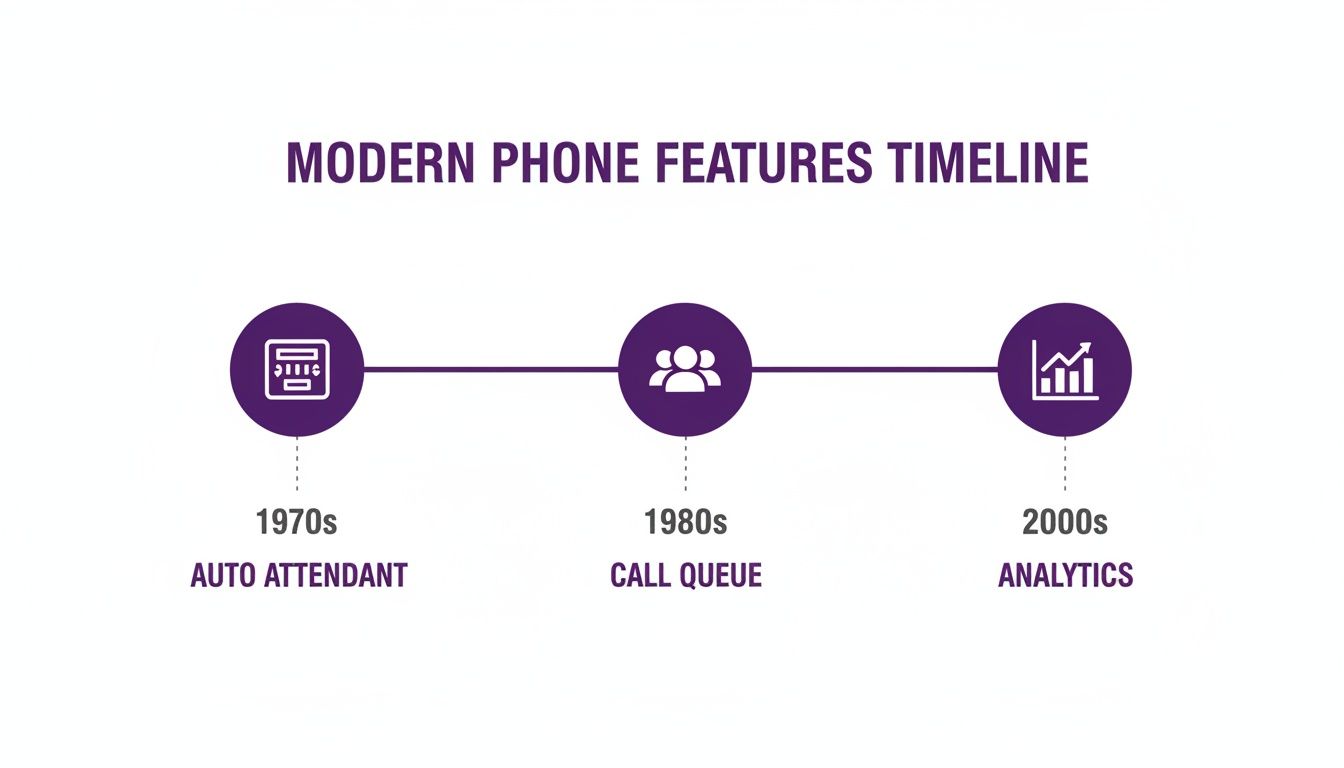
This really shows the journey from basic call handling to the kind of intelligent, data-driven customer service we can now manage right inside Teams.
The Phased Rollout and User Adoption
Trying to switch everyone over at once—a 'big bang' approach—is usually a recipe for chaos. A phased rollout is a much smarter, safer way to go.
A pilot group is your secret weapon for a smooth migration. Start with a small, tech-savvy team. They can provide invaluable feedback on call quality, feature usability, and training needs before you roll the system out to the entire organisation.
This pilot phase lets you iron out any wrinkles in a controlled environment. Once your pilot group is happy, you can map out the migration for the rest of the company, perhaps department by department. This absolutely must be supported by a solid user adoption plan. We’re talking about clear communications, hands-on training sessions, and simple guides that show people how to use their new phone system. For a deeper dive into moving information smoothly, check out our guide on data migration best practices.
Finally, don't overlook the important legal bits. Here in the UK, you have a duty to make sure your system is compliant with emergency calling regulations. This means correctly registering user locations so that any calls to 999 are routed to the right emergency service, fast. A good plan covers all these bases—technical, practical, and regulatory—to ensure your move to Microsoft Teams Phone is a huge success.
For expert guidance on planning your migration, Phone 0845 855 0000 today or Send us a message.
Why You Need An Expert Partner For Deployment
Moving to Microsoft Teams Phone isn't just another IT project; it’s a root-and-branch change to how your business communicates every single day. While tackling the technical setup yourself might seem possible, partnering with a specialist is the surest way to get it right from the start and sidestep common, costly mistakes.
Think of an expert partner as your guide through the technical maze. They handle the tricky parts you don't have time for, from designing a robust Direct Routing setup and tuning your network for flawless call quality, to managing the delicate process of porting your phone numbers without dropping a single call.
This isn't a fringe technology, either. As of 2024, 64,778 verified companies in the UK are actively using Microsoft Teams, making it a cornerstone of business operations. The UK is one of the top five countries for Teams adoption, which tells you everything you need to know about its importance. You can see how UK businesses are using Microsoft Teams to get a sense of the scale.
The Local Advantage for East Midlands Businesses
For businesses here in the East Midlands, having a local partner on your side makes a huge difference. We understand the specific commercial landscape in places like Lincoln, Nottingham, and Leicester. A local team means responsive, hands-on support when you need it most, including on-site assistance and user training that actually sticks.
An experienced partner brings much more than just technical know-how to the table:
- Deep Technical Expertise: We handle the correct configuration of Session Border Controllers (SBCs), ensure you meet UK emergency calling regulations, and can integrate Teams Phone with any older systems you need to retain.
- Smarter Strategic Planning: We'll help you design call flows with Auto Attendants and Call Queues that genuinely improve your customer experience, rather than just lifting and shifting your old, clunky phone system setup.
- Dedicated Project Management: A good partner takes full ownership of the migration, from the first network check to the final switch-on, freeing up your internal IT team to do what they do best.
A successful rollout isn’t just about the tech working. It’s about your people actually wanting to use it. A specialist partner bridges that gap, delivering the training and support that turns a technical project into a real business improvement.
Focusing on Business Value
Ultimately, bringing in a specialist means you can concentrate on the why—the business benefits of a modern, unified communications platform. You can learn more about the role of an external IT expert in our guide on what is a managed service provider. Let a dedicated team handle the technical heavy lifting so you can focus on improving collaboration, boosting productivity, and giving your customers a better experience.
To ensure your transition to Microsoft Teams Phone is secure, impactful, and seamless, phone F1Group on 0845 855 0000 today or Send us a message to get started.