
Power Automate Premium is listed in the UK at £11.50 per user per month on an annual commitment. That figure is the starting point for a much wider cost conversation, because the licence design, automation capacity and connector usage determine what you'll pay.
A finance director in the East Midlands rarely sees Power Automate as a licensing puzzle at first. The request usually arrives from operations with a simple promise: automate invoice handling, customer updates, approvals or data entry, then reduce manual work. The difficulty starts when the first invoice includes licences for people, unattended processes and capacity that nobody included in the original budget.
The right question isn't “What does Power Automate cost?” It's “Which licensing model matches how our business runs automation?”
Why Power Automate Cost Is Not Just a Licence Fee
A Nottingham manufacturer can approve workflow automation with a modest monthly estimate, then receive a much larger bill. The cause is usually licensing design, not a single unexpected charge. Several employees may build or trigger flows, scheduled processes may run without human involvement, and connectors may link Microsoft 365 with finance, ERP or customer systems. A user-count estimate misses those separate demands.
Power Automate cost should therefore be treated as a design decision. UK organisations can cut spend by 30-50% by selecting the right plan, using suitable commitment terms and auditing connector usage, rather than chasing a headline discount. Microsoft's UK pricing page lists Premium at £11.50 per user per month on an annual commitment, excluding VAT, but that figure does not describe the whole automation estate. The detailed UK list prices are compared in the table below. Check the Microsoft UK Power Automate pricing page when preparing a procurement request, including the available 30-day free trial.
Build the budget around three cost layers:
- User licensing, for employees who create, modify, trigger or directly use flows.
- Process capacity, for shared or unattended automation that must run independently of a named employee.
- Consumption and platform overheads, including premium connectors, data operations, AI features, environments and capacity.
Practical rule: Do not approve a Power Automate purchase from a user count alone. Map each flow, its owner, its trigger, its connectors and its run pattern first.
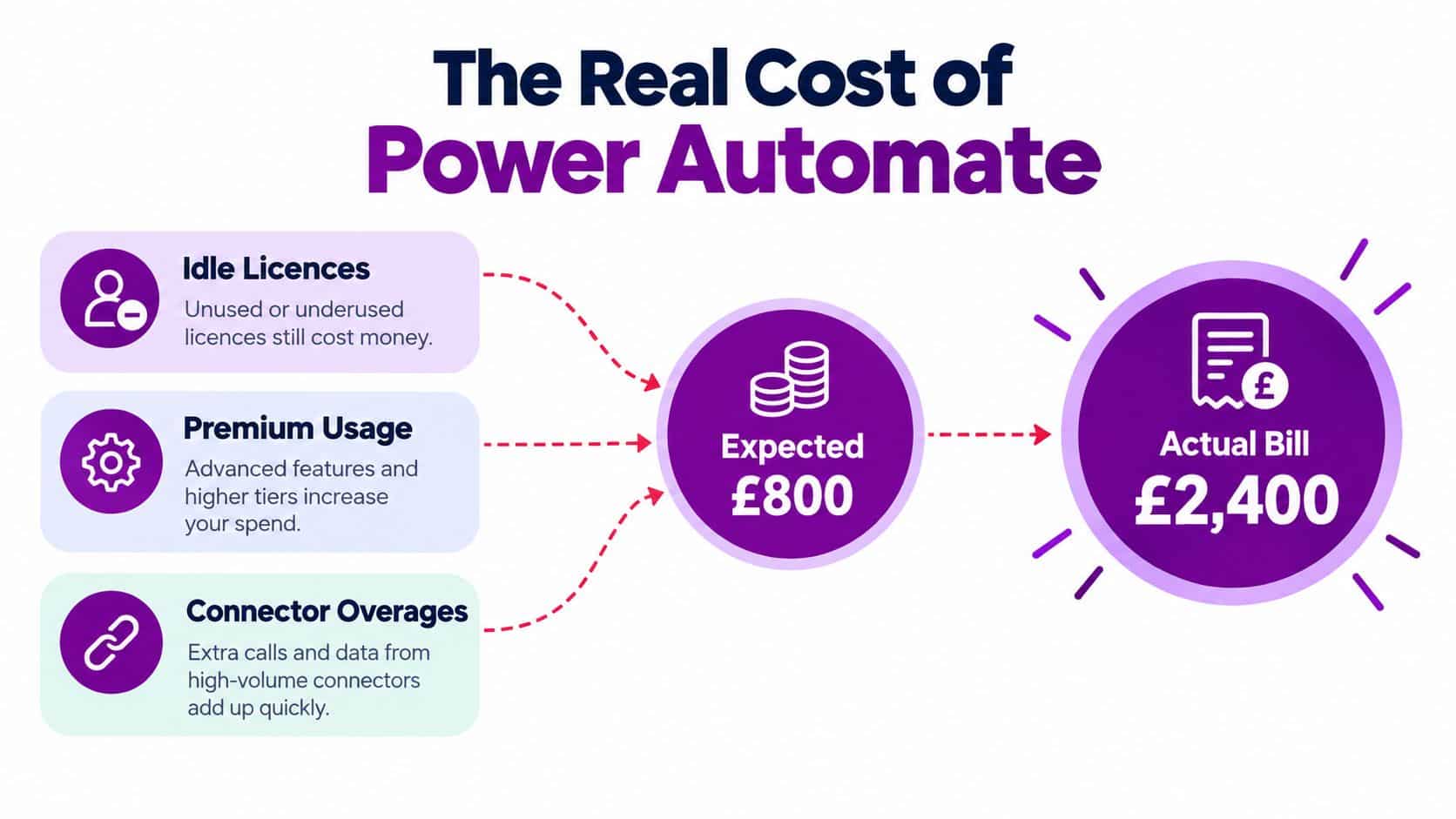
Attended and unattended automation often sit in the same department but require different budget decisions. A finance assistant might start a reconciliation by clicking a button and handle exceptions during the day. A scheduled integration might move records between SharePoint and an ERP overnight without anyone present. Treating both as ordinary user activity can leave the business paying for the wrong capacity.
For practical examples, review Power Automate workflows for business processes. The recommendation is direct: licensing design controls the bill. Choose plans around how people and processes use the platform, then audit connectors and inactive licences before approving more capacity.
The Two Licence Families Explained
Think of Power Automate licensing as a cinema. Per-user licences are seats, while process licences are screening rooms.
A per-user licence makes sense when a named employee builds, triggers or works directly with flows. For example, a finance assistant who starts an approval process from a button, changes a flow or manages exceptions needs user access appropriate to the connectors and capabilities involved. Power Automate Premium is the relevant UK benchmark at £11.50 per user per month on an annual commitment.
A process licence is different. The business assigns capacity to an automated workflow or process rather than buying a seat for every person who benefits from it. Microsoft states that the Process licence can support unattended desktop flows or cloud flows accessible by unlimited users within the organisation. That makes it more suitable for shared, business-critical automation where many employees consume the outcome but don't need to edit the flow.
The distinction becomes clearer with two examples:
- A user-led approval: An employee submits a purchase request and interacts with the workflow. Start with the user licensing question.
- A scheduled system synchronisation: A flow moves information between SharePoint and an ERP without a person starting each run. Assess process licensing and the required connector rights.
- An unattended desktop process: A bot logs into a legacy application and completes repeatable work outside office hours. Review Process or Hosted Process requirements.
- A mining exercise: The organisation analyses processes across the tenant to identify bottlenecks. Process Mining has a different commercial scale from ordinary user access.
Hosted Process and Process Mining sit alongside the core user and process models. Their billing units change the maths, particularly where several shared automations or tenant-wide analysis are involved. Microsoft's Power Automate product information describes Premium as including cloud and attended desktop flows, premium connectors and process mining, while also distinguishing the Process capability for unattended and broadly accessible automation.
Don't treat every flow as a separate procurement decision. First classify it by who operates it, who depends on it, whether it runs unattended and which connectors it uses. A team comparing automation tools can also review relevant pricing plans as part of its wider software evaluation, but the same principle applies: compare the licensing unit with the actual operating model.
UK Price Points Side by Side
UK Power Automate cost is a licensing-design decision, not a price-list exercise. The right comparison depends on whether you are paying for people, unattended processes, hosted bots or tenant-wide analysis. Microsoft's UK Power Automate pricing information lists these figures, excluding VAT:
| Plan | UK List Price | Billing Unit | Annual Commitment Price |
|---|---|---|---|
| Power Automate Premium | £11.50 per month | Per user | £11.50 per user per month on annual commitment |
| Power Automate Process | £115.30 per month | Per bot | UK listed monthly figure |
| Power Automate Hosted Process | £165.30 per month | Per bot | UK listed monthly figure |
| Power Automate Process Mining | £3,844.80 per month | Per tenant | UK listed monthly figure |
Read the billing unit before comparing prices. £11.50 per user is not equivalent to £115.30 per bot. One scales with headcount, while the other covers an unattended process. Record the unit, commitment term and VAT treatment on every quote.
The annual commitment shown for Premium does not make the other rows annual seat prices. Process and Hosted Process are tied to their respective bot units, while Process Mining is priced per tenant. That distinction should drive the business case and the licence design.
The procurement channel can change the quoted figure. UK marketplace examples include £8.90 per user per month, a range of £9.59 to £11.51 per unit per month, and £16 per licence with a free trial. Vodafone Business lists £13.80 per user per month on a one-month contract, £12.08 per user per month on a twelve-month contract, and an add-on licence at £80.75 per month for five add-on licences and above, with 20% VAT. These examples appear on the Vodafone Business Power Automate listing.
Budgeting point: Put the licence unit, contract term, VAT treatment and procurement channel on every quote. A per-user figure without those details cannot support a reliable budget.
A Microsoft 365 entitlement may provide some Power Automate rights, but it does not automatically cover premium connectors or every automation scenario. Check the entitlement against the flow design. That audit, combined with the right commitment term and billing unit, is where UK organisations can cut spend by 30-50%, rather than chasing headline discounts.
Cost Scenarios for East Midlands Businesses
A small accountancy firm in Nottingham may have a group of staff who need to build and trigger flows, alongside a smaller set of finance processes that should run without depending on one employee. The sensible design is usually mixed. Give interactive users the appropriate user licence, then assess whether recurring, shared or unattended processes need process capacity.
The monthly calculation should be built from the licence units, not from the total headcount. A firm with twenty-five employees might not need twenty-five Premium licences, and it may not be sensible to put every automated process on a user account. Conversely, assigning process capacity to simple personal approvals can create unnecessary cost.
| Licence Item | SME, 25 seats, Units × Cost | SME Annual Cost | Mid-Market, 150 seats, Units × Cost | Mid-Market Annual Cost |
|---|---|---|---|---|
| Premium | Required user count × £11.50 per user per month | Calculate from contracted user count | Required user count × £11.50 per user per month | Calculate from contracted user count |
| Process | Required bot count × £115.30 per bot per month | Calculate from contracted bot count | Required bot count × £115.30 per bot per month | Calculate from contracted bot count |
| Hosted Process | Required hosted bot count × £165.30 per bot per month | Calculate from contracted hosted bot count | Required hosted bot count × £165.30 per bot per month | Calculate from contracted hosted bot count |
| Process Mining | Tenant requirement × £3,844.80 per month | Calculate from required months | Tenant requirement × £3,844.80 per month | Calculate from required months |
This format forces the finance team to answer the important questions. How many people need to edit or trigger premium flows? How many processes must run unattended? Does the business need hosted desktop capacity, or only cloud automation? Is process mining a genuine operational requirement or an attractive feature nobody has assigned to a defined project?
At SME scale, user licensing can be straightforward when automation is personal and attended. At mid-market scale, shared processes become more important because departments may rely on the same workflow. The finance director should ask for a flow register showing the owner, users, connectors, trigger type, run frequency and business criticality.
Capacity can also enter the discussion. Environment and data requirements may create additional charges when the platform estate expands beyond the included allowance. Treat those requirements as a separate line in the business case, not as an assumption hidden inside the Premium price.
Add-Ons and Hidden Costs That Catch Buyers Out
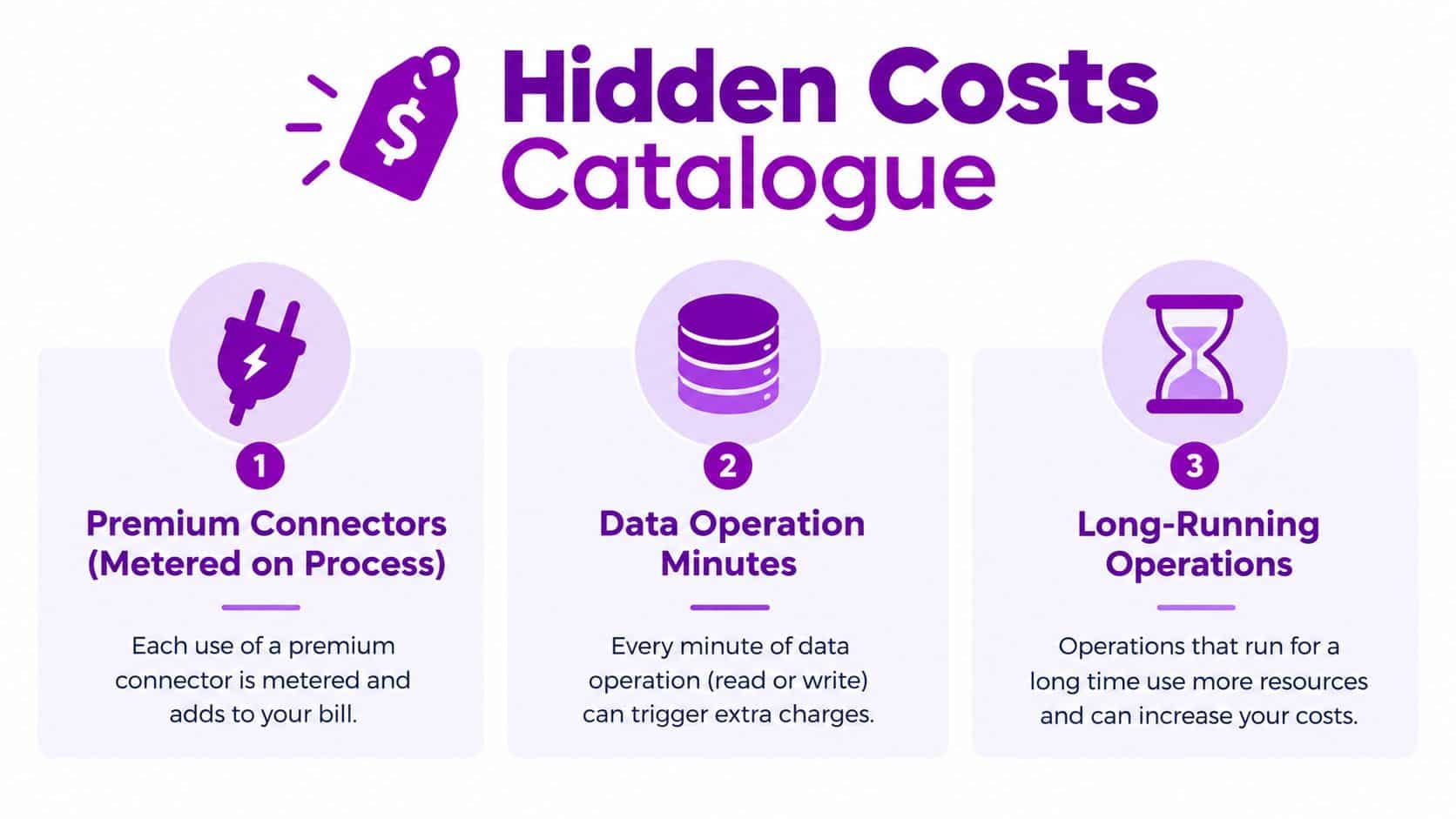
The most common budgeting error is to model licences and ignore what the flows do. A flow that uses only standard Microsoft 365 actions is commercially different from one that calls Salesforce, ServiceNow, Dataverse, an HTTP endpoint or a custom connector.
Premium connectors need particular attention. Premium capabilities may be included within the relevant Premium plan, while process-based designs can introduce separate metering or licensing considerations. Ask the implementation team to produce a connector inventory before approval. The inventory should identify every premium connector, the process using it and whether that process runs for one person or the whole organisation.
AI Builder needs the same discipline. Credits may be included with applicable Premium and Process licensing, but usage beyond the included allowance can create additional charges. Don’t approve an invoice-processing or document-classification design until somebody has identified the expected AI workload, the included entitlement and the treatment of excess consumption.
Unattended desktop automation can create another blind spot. A bot that runs overnight, retries failed tasks or waits on a slow legacy system consumes capacity differently from a short attended flow. The business needs monitoring, exception handling and an agreed approach to overage charges.
Other items deserve their own budget lines:
- Dataverse capacity: Review database and file usage as environments and solutions grow.
- Environment sprawl: Production, Sandbox and Developer environments need ownership and lifecycle rules.
- Run consumption: Organisations using a Microsoft 365 pay-as-you-go meter should confirm the applicable run charges before relying on that route.
- Connector changes: A new integration can change the licensing position even when the flow itself looks simple.
- Support and governance: Someone must maintain connections, credentials, error handling and ownership when staff change roles.
The finance team shouldn’t ask only whether a feature is available. It should ask what triggers extra consumption, who monitors it and how the business will stop an unexpected bill.
When Cheaper Licensing Actually Costs More
The cheapest licence is often the wrong licence for a process that matters. A low-cost user-only design can fail when the employee leaves, when several departments need the same automation or when a connector falls outside the base entitlement.
A Derby logistics company might try to keep costs down by assigning standard rights to a broad group of staff. That approach becomes fragile when the workflows need premium connectors, unattended runs or central ownership. The apparent saving disappears if the organisation later pays for emergency redesign, additional consumption or a rushed licence change.
A Coventry charity can face a similar problem with invoice matching. The initial flow may look like a simple approval, but the required accounting system connector can move it into a premium licensing category. The correct question is not whether the first version can be built cheaply. It’s whether the complete process can operate reliably with the required systems.
Ownership is another false economy. An HR team that builds a critical leave-approval process on one employee’s Premium licence has created a dependency. If that person leaves, the organisation may lose access, connections, documentation or operational knowledge unless the flow has been transferred and governed properly.
Governance is part of Power Automate cost. A licence attached to the wrong owner can become an operational risk, not a saving.
Process-critical, multi-user and connector-heavy automation should be assessed for process licensing rather than forced onto personal accounts. That doesn’t mean every flow needs a process licence. It means the business should choose deliberately, based on dependency and operating pattern.
For a broader comparison of automation approaches, review Power Automate versus Zapier. The right platform is the one the organisation can govern, support and price accurately, not merely the one with the lowest initial entry point.
A Practical Plan to Reduce Power Automate Cost
Power Automate optimisation is a licensing-design exercise. UK organisations can target 30-50% lower spend by matching licences to actual usage, choosing suitable commitment terms and removing unnecessary connector or capacity costs. A headline discount will not fix a poor design.
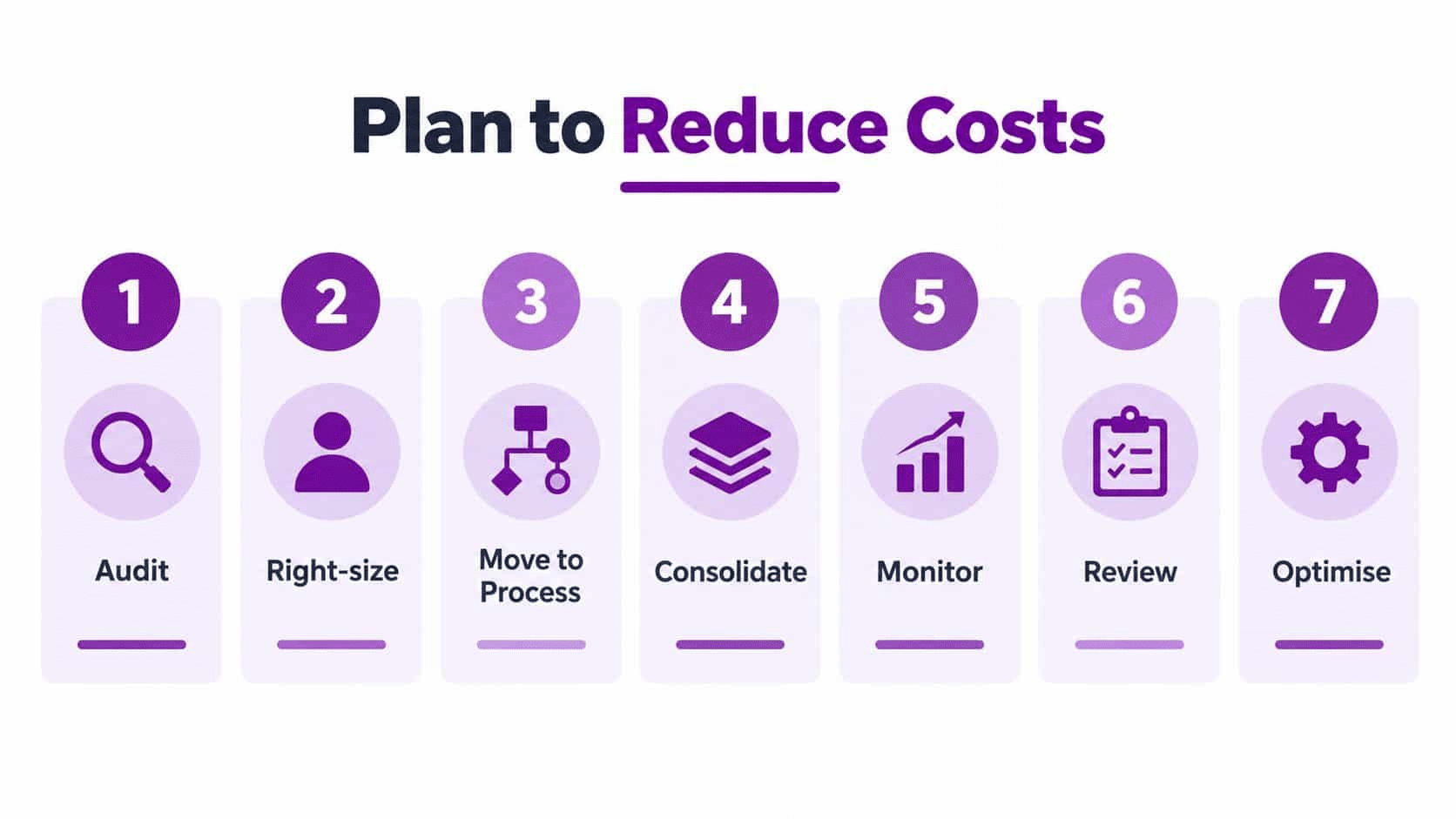
Give the following seven steps to the IT lead and require evidence for each decision. Treat the 30-50% range as a design target, not an automatic saving.
-
Audit usage. Export activity from the Power Platform admin centre. Record active flows, owners, connectors, failures and unattended runs. Remove licences with no documented business purpose, then keep the export as evidence for finance.
-
Right-size users. Separate people who build or directly operate flows from people who only receive an outcome. In the SME example, licensing only 12 of 25 active builders or operators at £11.50 per user per month saves £149.50 per month compared with licensing all 25. Document the active-user count from the admin centre export.
-
Classify processes. Mark each flow as personal, departmental, shared, unattended or business-critical. Use that classification to decide whether the billing unit should be a user, a process or another tenant-level capability.
-
Rationalise connectors. Flag Salesforce, ServiceNow, HTTP webhooks, custom connectors and other premium dependencies. Remove duplicate integrations where one controlled shared design can serve several teams, and record any connector change that affects licensing.
-
Consolidate automation. Merge overlapping flows and assign named service ownership. Shared flows reduce duplication only when permissions, monitoring, support and transfer arrangements are documented.
-
Choose commitment terms. Use an annual commitment where demand is predictable, then compare direct Microsoft procurement with marketplace and reseller offers. Compare the same billing unit, contract term, VAT treatment and add-ons before submitting the budget. Recheck current UK pricing at that point.
-
Govern environments. Set rules for Production, Sandbox and Developer environments. Require an owner, naming standard, retention decision and review date for every significant automation.
Review the design quarterly, not only at renewal. Teams add connectors, create environments and move from attended to unattended automation. Match the licence register to flow activity, then retire or redesign automations without a clear owner.
The practical saving comes from better allocation. Ask for a written comparison covering the current design, proposed user and process mix, connector exposure and expected capacity requirements.
For procurement and renewal controls, use software licensing best practices alongside the Power Platform review.
Key Takeaways and Next Steps
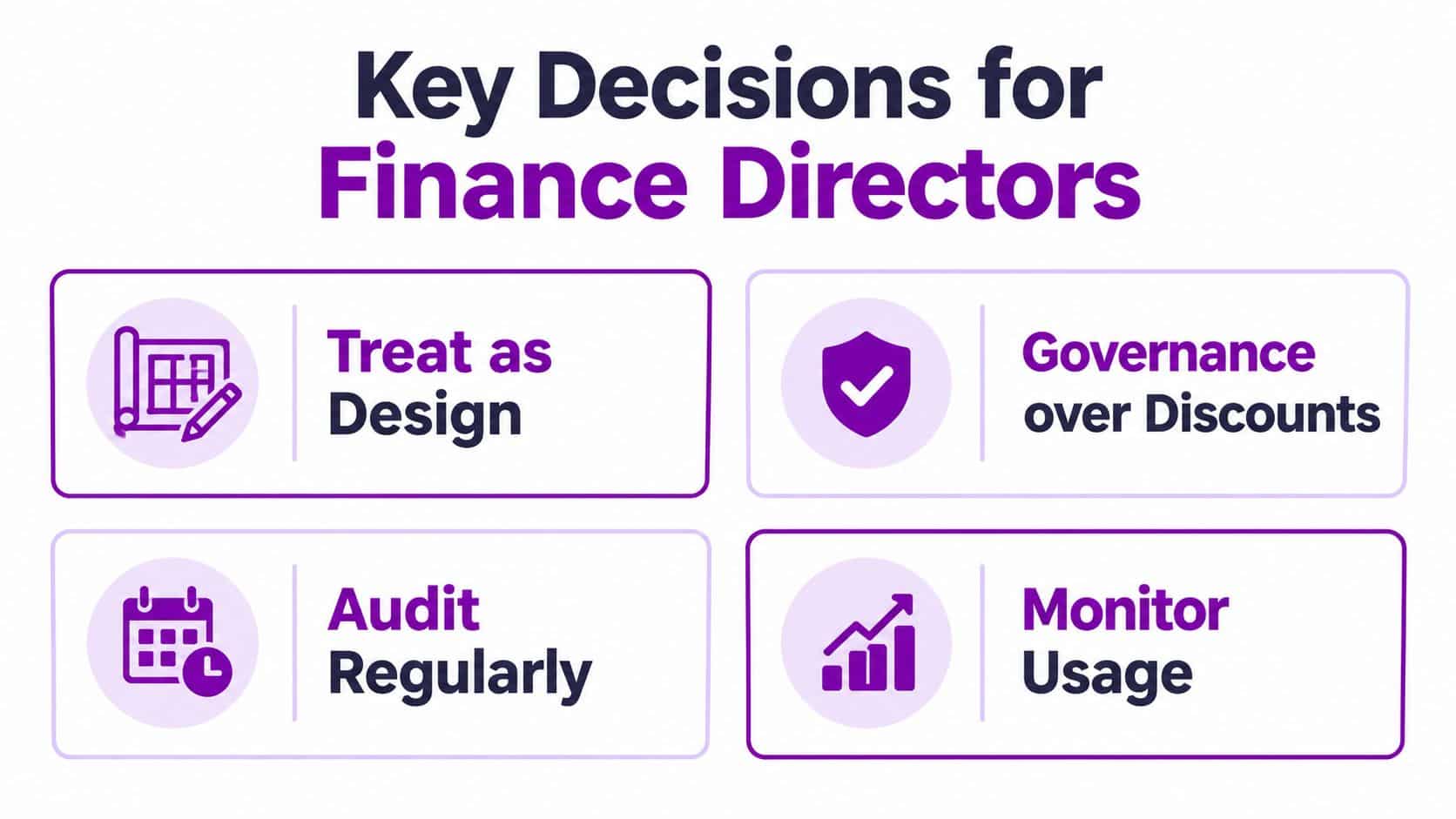
A finance director should leave the Power Automate discussion with four firm decisions.
First, treat Power Automate cost as a licensing-design decision, not a price lookup. The licence unit determines whether the organisation pays for individuals, bots or tenant-level capability. The UK Premium benchmark is £11.50 per user per month on an annual commitment, while Microsoft’s UK page lists Process, Hosted Process and Process Mining at different billing units and price levels.
Second, audit before buying. A usage export can reveal that some employees only receive outputs, while a smaller group creates or triggers flows. It can also expose shared processes that should have central ownership rather than sitting on personal licences.
Third, govern connectors and capacity. Premium connectors, AI Builder usage, unattended desktop activity, Dataverse requirements and additional environments can change the bill. Each item needs an owner, a monitoring method and a budget treatment.
Fourth, review the commitment route. UK marketplace listings demonstrate that buyers can encounter different per-user figures depending on contract length, reseller or framework route and add-on structure. Compare like with like, including VAT, billing unit and contract term.
The immediate action is simple. Book a licence audit, share the Power Platform admin centre export and request a written recommendation covering user versus process licensing, commitment terms, connector rationalisation and environment governance. F1Group can provide Power Automate licensing and pricing guidance as part of its Microsoft-focused IT support for East Midlands organisations.
Speak to F1Group on 0845 855 0000 today for a practical Power Automate spend review, or send us a message with your current licence list and flow inventory. You’ll receive a clear assessment of where your licensing design, connectors and automation ownership may be creating avoidable cost.