
The fundamental difference between Sage 50 and Sage 200 is really quite simple. Sage 50 is the go-to accounting software for small UK businesses that need a reliable, no-fuss solution. On the other hand, Sage 200 is a much more powerful system designed for growing, complex businesses that have hit the limits of what basic software can do.
Your choice ultimately comes down to where your company is right now and, just as importantly, where you plan on taking it.
Choosing Your Sage Solution: A Quick Comparison
Picking between Sage 50 and Sage 200 isn’t about finding the “best” software, but the right fit for your business’s current stage and future ambitions. For startups and smaller, established businesses across the East Midlands, Sage 50 offers a solid and affordable way to manage finances. It handles core accounting, ensures you’re compliant with Making Tax Digital (MTD), and is well-known for being easy to get to grips with.
But businesses grow. As they do, they often find themselves bumping up against the ceiling of entry-level software. That’s precisely when Sage 200 comes into its own. It’s more than just an accounting package; it’s a full-blown business management solution, what many would call an Enterprise Resource Planning (ERP) system. It’s built for businesses with higher transaction volumes, more employees, and complex operational needs like managing stock across multiple locations or digging into advanced financial data.
The move from Sage 50 to Sage 200 is a classic sign a business is maturing. It’s the moment you shift from simply managing daily accounts to strategically directing the entire operation with integrated data.
As you can see, the right path starts with an honest look at your company’s scale and complexity.
Sage 50 vs Sage 200 At a Glance
This table provides a quick side-by-side comparison of the fundamental differences between Sage 50 and Sage 200 to help you quickly identify the best fit for your business.
| Criterion | Sage 50 | Sage 200 |
|---|---|---|
| Target Business | Startups & small businesses (e.g., up to £5m turnover) | Medium-sized businesses (e.g., £2m – £100m turnover) |
| User Capacity | Up to 20 users (optimal performance under 10) | Up to 200+ users (desktop and web access) |
| Core Functionality | Standard accounting, invoicing, VAT, basic stock | Advanced financials, BI, CRM, manufacturing, multi-site stock |
| Database | Proprietary database with transaction limits | Microsoft SQL Server, handles millions of transactions |
| Customisation | Limited to standard reports and basic add-ons | Highly customisable with dedicated modules and API access |
| Pricing Model | Monthly subscription (approx. £33 – £145/month) | Bespoke pricing based on modules and users (starts from £290/month) |
While this guide focuses on the Sage family, it’s always wise to know the lay of the land. For a direct comparison with another major player, you might find this guide on QuickBooks vs Sage useful. Understanding the broader market gives you valuable context.
Ultimately, the goal is to choose a Sage product that won't just support your business, but will actively help it thrive.
Phone 0845 855 0000 today or Send us a message
When Sage 50 Is The Right Choice For Your Business
For countless small businesses and start-ups across the UK, Sage 50 has long been the go-to accounting package. It's often the first proper system a new business owner puts in place, providing a reliable, straightforward way to manage finances without the hefty price tag or complexity of a full-blown ERP system.
It’s built for simplicity and effectiveness. If you're a sole trader, a small high street shop, a consultant, or any new venture needing to get your books in order, Sage 50 gives you the essential tools. You can handle daily accounts, send professional invoices, keep a tight grip on cash flow, and stay compliant with UK regulations like Making Tax Digital (MTD) for VAT right from day one.
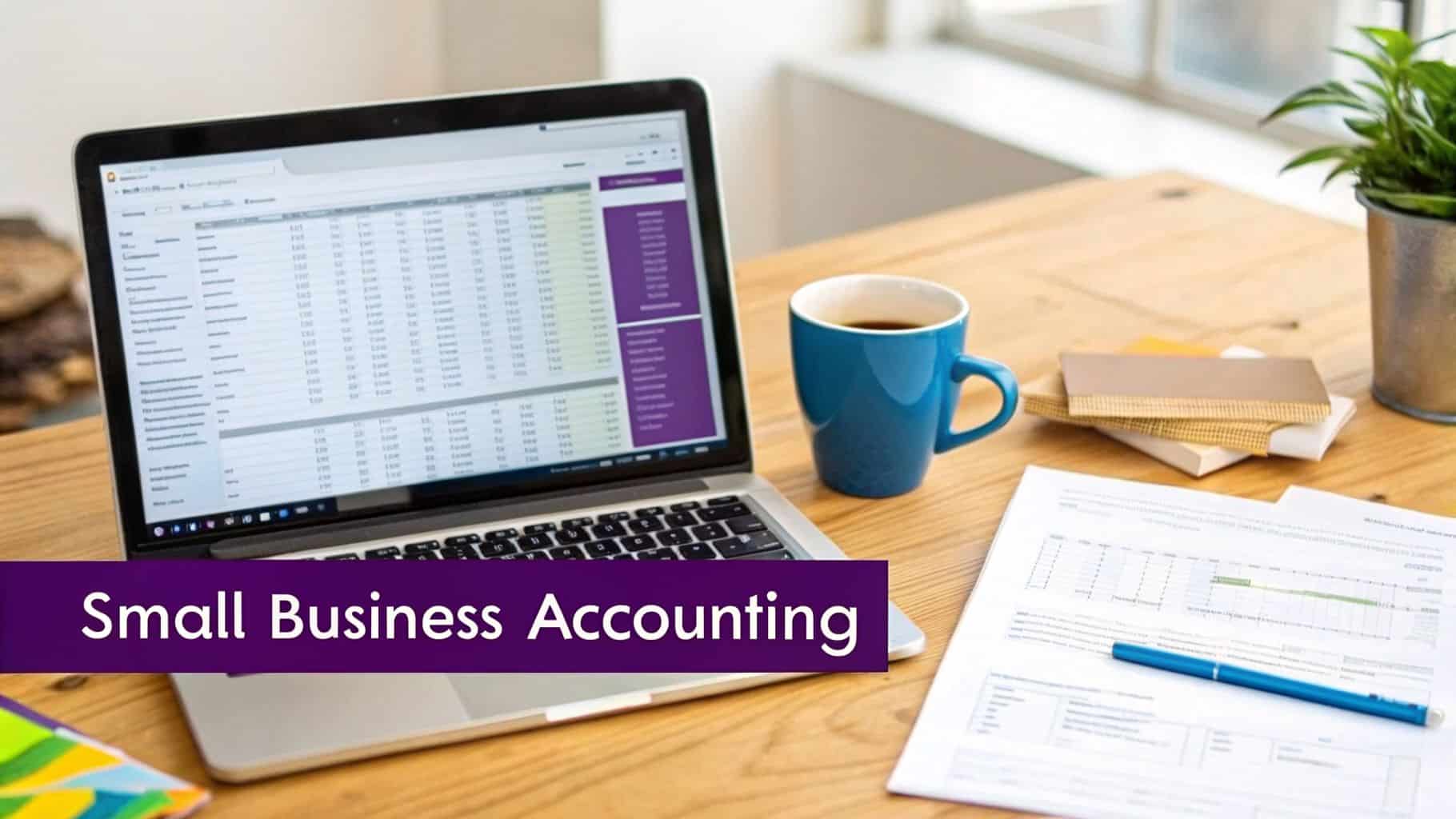
The interface is clean and designed for people who are experts in their trade, not necessarily in accounting. It presents your financial position clearly, helping you make quick, informed decisions without getting lost in menus.
The Ideal Sage 50 User Profile
So, what does the typical Sage 50 user look like? From our experience working with businesses across the East Midlands, it’s usually a company that fits one of these descriptions:
- Start-ups and Sole Traders: You need an affordable, easy-to-use system to manage income, expenses, and tax obligations from the get-go.
- Small Retailers: You're operating from a single location and need solid, basic stock management and maybe a link to your point-of-sale system.
- Consultancies and Service Firms: Your main job is invoicing for your time and expertise, tracking project costs, and chasing payments.
- Businesses with a Small Team: You have a handful of staff who need to access the accounts system, but not all at once.
Sage 50 is designed to handle up to 1.5 million transactions, which is more than enough for most small businesses. While it technically supports up to 20 users, we find it runs best with 10 or fewer people logged in simultaneously. It’s perfect for firms in places like Lincoln or Nottingham just starting out, where the immediate need is straightforward invoicing and VAT management. You can learn more about how Sage 50 compares to its bigger sibling.
Sage 50 is the dependable workhorse for the UK’s small business economy. It provides the essential financial control needed to build a stable foundation, allowing entrepreneurs to focus on growth rather than getting bogged down in complex software.
Recognising The Practical Limits
While Sage 50 is brilliant at what it does, it’s crucial to know its limitations. These aren't flaws; they are deliberate design choices to keep the software accessible and affordable. The system has a hard ceiling on its database size, and performance can really start to lag once you push past that 1.5 million transaction mark or have more than 10 concurrent users.
Stock control is another key area where you’ll find a clear ceiling. It’s great for managing inventory in one place, but it doesn't have the tools for more complex operations. If you need to manage stock across multiple warehouses, use specific bin locations, or apply advanced stock valuation methods, you'll quickly run into a wall.
Let's imagine a small service company in Leicester. They start with two directors using Sage 50, and it’s perfect for sending invoices and filing VAT returns. As they grow, they hire a few staff and start selling a related product from their office. Managing this small amount of stock is simple.
But then they open a second small office in Derby and want to hold stock there too. Suddenly, the first signs of trouble appear. Sage 50 can't natively track stock across two separate locations. The team starts relying on spreadsheets to figure out what's where, which inevitably leads to mistakes and wasted time. This is the classic signal that it's time to consider the next step in the Sage 200 vs Sage 50 discussion.
Phone 0845 855 0000 today or Send us a message.
Why Growing Businesses Upgrade To Sage 200
There comes a point in every growing business’s journey when the software that helped you get started begins to hold you back. If you’re using Sage 50, you know it’s a brilliant tool for smaller operations. But when your complexity starts to outpace its simplicity, it’s time for a strategic change.
Making the leap to Sage 200 isn't just about getting a new piece of software; it's about making a deliberate move to scale your operations, manage more complex processes, and gain the kind of deep operational control you now need. Sage 200 was built for this exact moment. It’s a genuine Enterprise Resource Planning (ERP) solution designed for medium-sized businesses, particularly those in demanding sectors like manufacturing, distribution, and construction.
Handling Increased Scale And Complexity
One of the first things you'll notice with Sage 200 is its sheer horsepower. Where Sage 50 can start to feel the strain with more users or data, Sage 200 is built for a much heavier workload without sacrificing speed or stability. For ambitious businesses across the East Midlands, this is often the primary driver for an upgrade.
It easily supports up to 50 concurrent desktop users (or over 100 web users) and can process a staggering 9 million transactions. This capability is built on the back of its Microsoft SQL database—a world away from Sage 50’s file-based system. This isn't just a technical detail; it means superior data security, reliability, and performance, especially as your transaction volume skyrockets. For a growing wholesaler in Leicester or a manufacturer in Nottingham, this is a non-negotiable foundation for growth.
While the database is a cornerstone, it’s one part of a bigger picture. It's worth seeing how other advanced platforms, like Microsoft Dynamics 365, also leverage powerful platforms to manage business-wide operations.
The upgrade to Sage 200 marks the point where a business stops just recording transactions and starts using data to drive strategic decisions across the entire organisation.
Advanced Tools For Multi-Site Operations
Let’s put this into a real-world context. Imagine a successful distributor based in Newark who has relied on Sage 50 for years. Business is good, so they open a new warehouse in Grimsby to better serve the Lincolnshire coast. Suddenly, Sage 50's limitations create a serious operational bottleneck.
This is precisely the kind of challenge Sage 200 is designed to solve. It introduces advanced inventory management tools that are a game-changer:
- Multi-Site Stock Control: See and manage inventory across all your warehouses, depots, or stores from a single, unified view.
- Bin Locations: Pinpoint the exact location of stock within each warehouse, drastically speeding up picking and stock-taking.
- Batch and Serial Number Traceability: Crucial for any business needing quality control, recall management, or warranty tracking, like food distributors or electronics suppliers.
- Perpetual Inventory: Your stock levels are updated in real-time, giving you an accurate picture without needing to shut down for disruptive, full-site stocktakes.
For our Newark distributor, this means they can instantly see stock levels in both Newark and Grimsby. They can fulfil an order from the most logical location, transfer stock between sites effortlessly, and have complete, real-time visibility over their entire operation—something that's simply out of reach with Sage 50.
On top of this, Sage 200 brings far more sophisticated financial management. Its three-tier nominal ledger (letting you analyse by Code, Cost Centre, and Department) provides a much more granular view of your finances. You can finally analyse the profitability of the Grimsby branch versus the Newark one, or drill down into the performance of specific product lines within each location.
Ultimately, moving to Sage 200 is about giving your business the robust framework it needs to handle the complexities of growth. It provides the capacity, control, and insight required to turn ambition into a sustainable, scalable reality.
Phone 0845 855 0000 today or Send us a message.
A Detailed Comparison Of Core Business Functions
When you're weighing up Sage 200 vs Sage 50, it's easy to get lost in feature lists. The real story, though, isn't just what each system can do, but how it does it. This difference has a massive impact on your day-to-day efficiency and, ultimately, your ability to grow. Moving from Sage 50 to Sage 200 isn't just an upgrade; it's a fundamental shift from straightforward accounting to true business management.
For a smaller business, Sage 50 is often the perfect fit. It’s a rock-solid, dependable tool for managing your finances, handling VAT, and keeping on top of basic inventory. But as your business starts to scale, the very simplicity that made it so effective can begin to feel like a bottleneck.
This is exactly where Sage 200 comes into its own, offering a much deeper and more adaptable way of running your business. Let's look at the practical differences across the functions that matter most.
Financial Management And Reporting
Sage 50 runs on a standard nominal ledger, which is perfectly fine for a small company's financial reporting. It gives you a clear profit and loss and balance sheet, but trying to dig deeper for more detailed analysis can be a real struggle.
Sage 200, on the other hand, is built on a powerful three-tier nominal ledger. This lets you analyse your finances by Nominal Code, Cost Centre, and Department. Suddenly, you get a much more granular view of what's really happening in your business. For instance, a company with offices in both Leicester and Nottingham can easily analyse the profitability of each site independently—something that’s next to impossible in Sage 50 without clunky workarounds.
On top of that, Sage 200 introduces flexible accounting periods. You can keep periods open, close them when you're ready, and even post transactions into future periods. This gives your finance team far more control and flexibility.
Sage 200 turns your finance department from a team that just records history into a strategic partner for the business. Its built-in Business Intelligence (BI) tools allow for deep, custom analysis, turning raw data into the kind of insight that helps you make better decisions.
Stock Management And Control
For many growing businesses, especially in distribution and manufacturing, stock control is the biggest pain point and the main driver for upgrading from Sage 50. The stock management in Sage 50 is really designed for a single location with basic valuation methods.
Sage 200 offers a completely different world of control. A key differentiator in UK deployments is its superior stock management and customisation. This is crucial for East Midlands industries like wholesale, manufacturing, and hospitality, where Sage 50's basic single-location FIFO costing can really hold back growth. Sage 200 changes the game with multi-warehouse support, costing per product group, and full manufacturing modules. It even enables cyclical stock takes, which can dramatically reduce discrepancies. Find out more about Sage 200's advanced capabilities at Paradise Computing.
Think about a multi-site distributor using Sage 200. They can:
- Manage Multiple Warehouses: Track stock levels in real-time across different locations, and even flag stock as available for sale, in quarantine, or returned.
- Implement Batch/Serial Traceability: Follow individual items or batches right from the supplier to the customer, which is vital for quality control and any potential recalls.
- Handle Landed Costs: Correctly assign costs like shipping, duty, and insurance to your stock. This gives you a true, accurate picture of your product profitability.
- Perform Cyclical Stock Takes: Count specific sections of your warehouse without having to shut down your entire operation, ensuring your inventory records stay accurate all the time.
This level of detail is simply not something Sage 50 was built for.
Customisation And Integration
Sage 50 allows for some light customisation, mostly around changing report layouts and using a limited selection of third-party add-ons from the Sage Marketplace. It’s a fairly closed system that’s designed to work well right out of the box.
Sage 200, however, is built from the ground up to be adapted. It has a rich ecosystem of specialist modules for sectors like manufacturing, construction, and retail. More importantly, it features a powerful Application Programming Interface (API). This allows you to create deep integrations with your other essential systems, whether that's a CRM, an e-commerce platform, or a piece of bespoke industry software. This open architecture means Sage 200 can become the central hub for your entire technology setup, perfectly moulded to your unique ways of working.
Ready to explore which Sage solution fits your business? Phone 0845 855 0000 today or Send us a message.
Integrating Sage With Your Microsoft Ecosystem
How well an accounting package talks to your other essential tools can be the deal-breaker. In the Sage 200 vs Sage 50 discussion, the way each system interacts with the Microsoft suite is a world apart. While both offer some connectivity, their underlying philosophies and capabilities are fundamentally different.
Sage 50’s integration is best described as practical. It plays nicely with Microsoft 365, letting you sync your contacts with Outlook or pull figures into Excel. For a small business that just needs to move basic information around without any fuss, this is often perfectly adequate. It gets the job done.
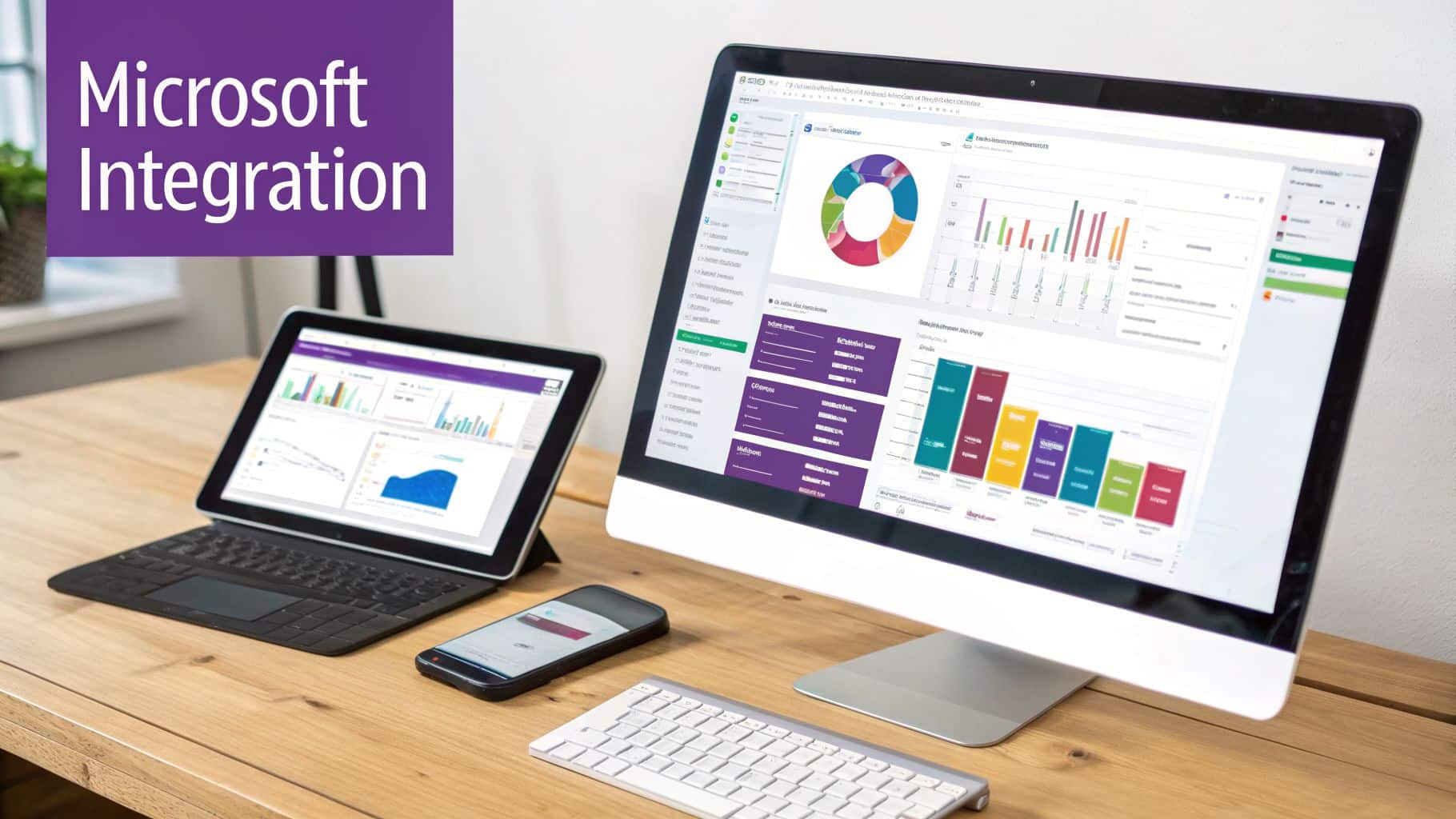
The picture changes, though, as a business grows and starts relying more heavily on the wider Microsoft stack. Once you're using tools like Power BI for serious analysis, Power Apps for custom solutions, and hosting on Azure, you quickly hit the ceiling with Sage 50. It simply wasn't designed for that level of deep, two-way data conversation.
Sage 200: A Natural Partner for the Microsoft Power Platform
This is where Sage 200 really comes into its own. It isn’t just compatible with Microsoft's more advanced tools; it was built from the ground up to be a central part of a bigger business management ecosystem, often hosted on Microsoft Azure. The secret lies in its powerful and open API (Application Programming Interface).
This API unlocks a level of connectivity that goes far beyond the simple data exports of Sage 50. It allows for live, dynamic communication between your financial data and the Microsoft Power Platform, opening up genuinely game-changing possibilities for automation and business intelligence.
- Power BI for Live Dashboards: You can connect Power BI directly to the Sage 200 SQL database. This means creating interactive, real-time dashboards showing live cash flow, sales performance, or stock levels. The data isn't a day old; it reflects the exact state of your business at that moment.
- Power Automate for Workflows: Think about all the little manual tasks that eat up your team's day. With Power Automate, you can build workflows that bridge the gap. For example, a flow could instantly ping your sales channel in Microsoft Teams the moment a key client's order is despatched in Sage 200.
- Power Apps for Custom Solutions: Need a specific tool for a unique process? You can build low-code mobile or desktop apps with Power Apps that talk directly to Sage 200. Imagine an engineer on-site using a simple tablet app to log parts used on a job, which then automatically updates stock levels and triggers an invoice back in the finance system.
For a business that has bought into the Microsoft stack, Sage 200 acts as the financial engine driving a highly connected and intelligent operation. The integration stops being a simple feature and becomes a core strategic advantage.
Creating a Truly Joined-Up Digital Operation
When you look at it this way, the difference becomes clear. Sage 50 integration is about convenience—saving a bit of time here and there on data entry. Sage 200 integration is about building a single, cohesive system where finance, sales, and operations data flows freely. This is the modern approach to integrating software systems so they work as a single unit.
By choosing Sage 200, you aren’t just getting a more sophisticated accounting package. You are investing in a platform that can serve as the reliable heart of your entire network of business applications. For ambitious East Midlands companies that see technology as a key driver for growth, the deep Microsoft integration offered by Sage 200 is often the deciding factor. It unlocks a level of efficiency and insight that simpler systems just can't provide.
To discuss how Sage can integrate with your existing systems, phone 0845 855 0000 today or Send us a message.
Pricing, Implementation, and Support: What to Really Expect
When you're weighing up Sage 50 against Sage 200, the conversation quickly moves beyond just features. The real-world costs, the path to getting started, and the support you'll receive are just as important—and this is where the two systems couldn't be more different. You're not just buying software; you're choosing a financial and operational model for your business.
Sage 50 is all about simplicity. It’s an off-the-shelf accounts package you buy on a straightforward subscription. For most small businesses, you’re looking at a predictable monthly cost of anywhere from £33 to £145, depending on the version and how many people need to use it. This clarity is perfect for start-ups and smaller teams who need to keep a tight rein on their budget.
Sage 200, on the other hand, is a completely different proposition. There’s no standard price list because it’s not a standard product. The cost is built specifically for your business, based on:
- How many people will be using it at any one time.
- The specific modules you need (e.g., Financials, Commercials, Bill of Materials).
- The complexity of getting it all set up and tailored to your processes.
- Whether you run it on your own server or in the cloud.
As a rough guide, monthly costs for Sage 200 start from around £290 per month. However, this will naturally increase as you add more users and specialist modules to match your business's growth and complexity.
The Implementation Journey
How you get each system up and running truly shows their different DNA. With Sage 50, you can be live very quickly. It’s designed for a business owner or bookkeeper to install, import some data from spreadsheets, and get going within a day or so.
A Sage 200 implementation is a structured project, not just a setup. It demands the expertise of a certified Sage Business Partner who knows the system inside and out. It's a much more thorough process that involves several key stages:
- Project Scoping: We’ll sit down with you to dig into your business processes, mapping out exactly what you need the system to do.
- System Configuration: This is where we tailor the software to your world, setting up the chart of accounts, workflows, and modules to work the way you do.
- Data Migration: Moving your historical data is one of the most critical steps. Following data migration best practices is non-negotiable to ensure a clean start without old problems creeping into the new system.
- User Training: We’ll train your team properly so they feel confident and can hit the ground running from day one.
A Sage 200 implementation is a true partnership. It’s an investment in building the right foundation, making sure the system is fine-tuned to give you a real return, not just installed out of the box.
Thinking beyond the launch, ongoing maintenance and support services are vital for keeping everything running smoothly. With Sage 200, this support comes directly from your implementation partner. You have a direct line to experts who understand your unique setup and business needs—a world away from a generic helpdesk. This relationship is invaluable for troubleshooting and optimising your system as your business evolves.
Phone 0845 855 0000 today or Send us a message.
Your Questions About Choosing Sage Answered
Choosing between two powerful systems like Sage 50 and Sage 200 always brings up big questions. Getting clear, straightforward answers is what gives you the confidence to make a choice that actually fits your business's future.
Here, we'll tackle some of the most common queries we hear from business owners across the East Midlands. These are concise, practical answers designed to help you finalise your decision, cutting through the noise to focus on the real differences between a solid accounting package and a true business management solution.
What Are The Main Signs My Business Has Outgrown Sage 50?
Recognising you've hit the limits of your current system is the first step. More often than not, the signs you've outgrown Sage 50 aren't just in your accounts—they're cropping up in your day-to-day operations.
You'll know it's time to look ahead when you spot these issues:
- Performance Slowdowns: The system starts to creak and groan as your transaction volumes grow. Running reports takes an age, and the whole thing just feels sluggish.
- Complex Stock Needs: You're managing stock across multiple warehouses, or you desperately need batch and serial number traceability for quality control. Sage 50 simply wasn't built for this level of detail.
- International Trade: Business is booming, and you're now dealing with suppliers and customers overseas. Managing multiple currencies is becoming a headache.
- Reporting Limitations: Your team spends hours exporting data to Excel just to build the management reports you need. If "spreadsheet spaghetti" has become a running joke in the office, it's a massive red flag.
How Complex Is Migrating From Sage 50 To Sage 200?
Moving from Sage 50 to Sage 200 is a well-trodden path, but it's one that demands careful planning and an expert guide. It's much more involved than a simple software update.
The entire process is managed by a certified partner and involves several crucial stages. It kicks off with a data cleansing exercise—there's no point moving inaccurate information. From there, we map your existing data to the more sophisticated three-tier ledger structure in Sage 200. While it can be intricate, working with an experienced partner like F1 Group means you get a structured, smooth transition with minimal disruption.
A well-managed migration isn't just about moving data; it's an opportunity to refine your processes and start fresh with a system perfectly configured for your business's next chapter.
Can Sage 200 Be Customised For My Specific Industry?
Absolutely. This is where Sage 200 really shines. Unlike the one-size-fits-all approach of Sage 50, Sage 200 is designed to be moulded to your company's unique way of working.
It starts with a suite of core modules, but the real power comes from the vast range of industry-specific additions. These are game-changers for sectors like manufacturing (with its Bill of Materials module), construction (with project accounting), and businesses with advanced warehousing needs. Better still, its powerful API allows for completely bespoke integrations, ensuring the system can be tailored to your precise workflows.
Is Sage 200 A Cloud-Based Solution?
Sage 200 offers you flexibility in how it's deployed, so you can pick what's right for your IT strategy. It isn't exclusively a cloud solution.
You can choose to install it on-premise, running on your own servers. This gives you complete physical control over your data and hardware. Alternatively, it can be hosted in the cloud, often on a highly secure platform like Microsoft Azure. A cloud deployment brings some great benefits, including easier remote access for your team, fantastic scalability, and a much smaller IT hardware bill.
Part of our job at F1 Group is to help you weigh up the options—on-premise, cloud, or even a hybrid model—to find the perfect fit for your business.
Phone 0845 855 0000 today or Send us a message.
Ready to Make Your Move?
Hopefully, this guide has given you a much clearer picture of where your business fits in the Sage 200 vs Sage 50 discussion. It’s not simply about picking the software with the most features; it’s about choosing the right platform that truly fits where you are now and, more importantly, where you plan to go.
The software itself is only one part of the puzzle. Making it work seamlessly with your other critical tools, especially across the Microsoft stack, is what turns a good investment into a great one. That's where we come in. At F1Group, our expertise lies in seeing the whole picture – helping businesses like yours in the East Midlands build a technology foundation that just works.
If you’re still weighing your options or want to talk through the practicalities of a potential migration, we're here for a straightforward chat. No hard sell, just honest advice.
Phone 0845 855 0000 today or send us a quick message to book a consultation.