
Your internet looks normal from one desk, yet Teams calls break up in the meeting room, Microsoft 365 drags every morning, and no one can say with confidence whether the fault sits in the Wi-Fi, the firewall, the ISP circuit, or the cloud service itself. Network monitoring tools fix that blind spot by showing what is slow, where it is slow, and whether the issue is inside your control.
That matters for UK SMBs in particular. Many are running hybrid estates with Microsoft 365, cloud apps, a small on-prem footprint, and one or two overstretched IT staff. At the same time, the market is crowded, which makes buying harder, not easier. Capterra's UK network monitoring software directory gives a useful snapshot of just how many products now compete for attention.
The practical question is not which tool has the longest feature list. It is which one fits your environment, budget, and operating model. Some platforms are better for deep flow analysis across complex networks. Some are easier to deploy and manage in a Windows and Microsoft 365-heavy business. Others make more sense when you want a local managed service provider such as F1Group to handle setup, alert tuning, and ongoing support rather than building everything in-house.
Cost matters too. For a UK buyer, that means looking past headline pricing and checking how licences are structured, whether pricing is clear in GBP, and how quickly the tool starts to demand more time from your team. A cheap platform that needs constant care can cost more than a managed option.
The list below focuses on tools that are relevant to UK SMBs and the trade-offs that affect day-to-day operations.
1. Paessler PRTG Network Monitor
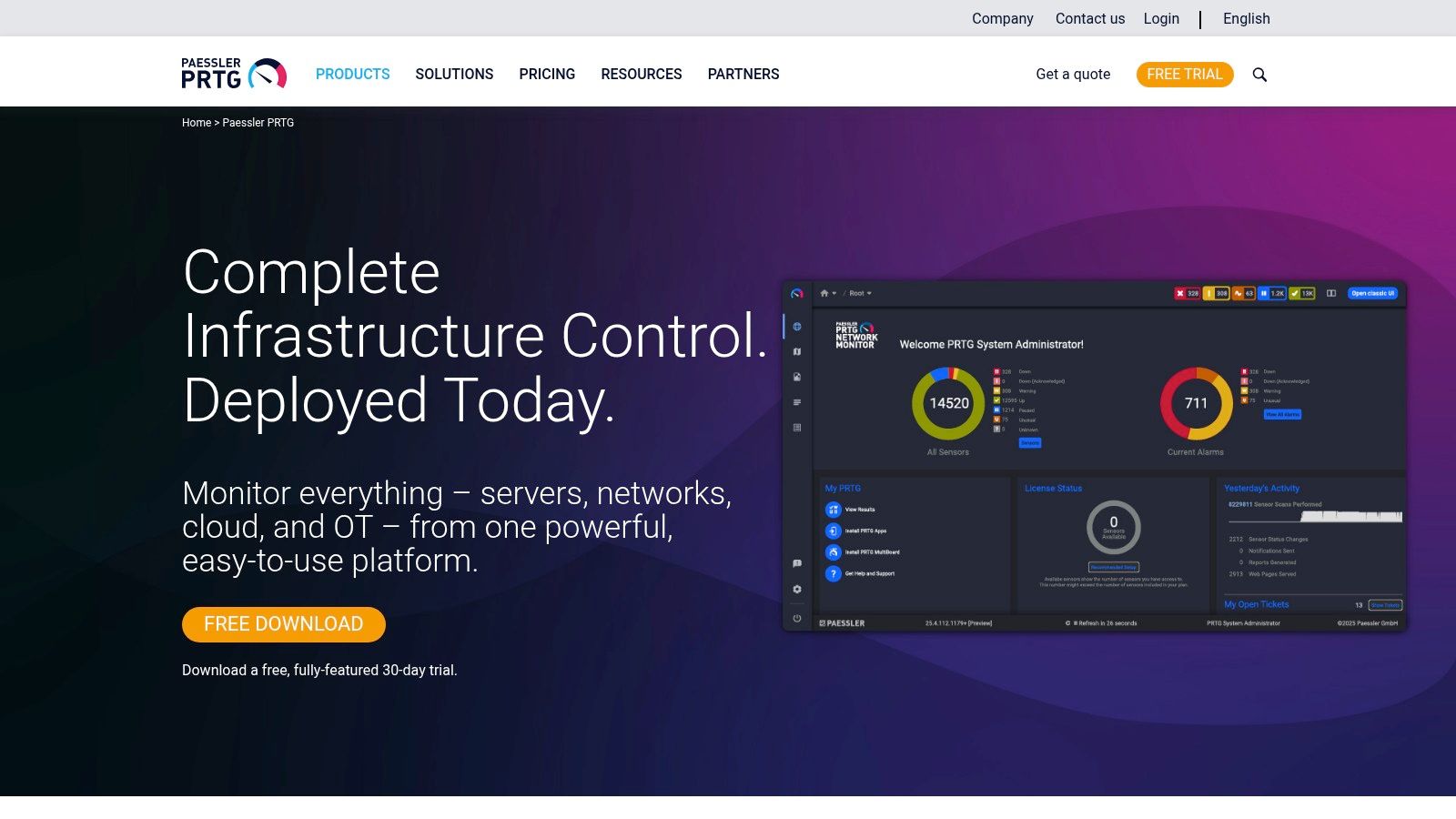
A common SMB scenario is a small IT team trying to keep tabs on switches, servers, Microsoft 365 dependencies, internet links, and a few business-critical apps without turning monitoring into its own full-time job. PRTG suits that environment well because it gives broad coverage quickly and does not force a long, specialist-heavy rollout before you see value.
Its sensor model is the main attraction and the main pricing risk. You can start with the checks that matter most, then expand as the business grows. That is useful for UK buyers who want to control spend in practical terms, not just compare headline licence prices. If you monitor everything by default, costs rise faster than expected. If you choose sensors carefully, PRTG stays manageable for a one-site or multi-site SMB.
Where PRTG fits best
PRTG works well for teams that need one platform to monitor:
- Network devices: Switches, routers, firewalls, and wireless infrastructure
- Windows services: WMI-based checks, event logs, and other Windows-focused monitoring
- Traffic flows: NetFlow, sFlow, and IPFIX where your hardware supports them
- Cloud and internet dependencies: HTTP, APIs, SSL certificates, and external service checks
This makes it particularly useful in Microsoft-heavy environments. Many UK SMBs now run a mix of on-prem servers, Azure services, Microsoft 365, and third-party SaaS tools. PRTG handles that mixed setup well, especially if the goal is to spot whether a problem sits on the LAN, the WAN, a server, or an external service before staff start flooding the helpdesk.
Deployment is usually straightforward. Auto-discovery helps, the interface is easy to read, and most internal IT teams can get useful alerts and dashboards running without specialist network engineering skills.
Practical rule: If you need usable monitoring inside a short project window, PRTG is one of the safer options.
The trade-off is discipline. Sensor counts need planning, alerting needs tuning, and someone still has to decide what the business cares about. I have seen PRTG work very well for SMBs that define priorities early. I have also seen it become noisy and expensive when teams monitor too much, too soon. That is one reason many firms pair the tool with a provider that can handle setup, thresholds, and escalation alongside broader network security best practices for small and midsize businesses.
For UK SMBs, that balance matters. PRTG is often a good fit when you want broad visibility, reasonable setup effort, and the option to keep management in-house or hand day-to-day tuning to a local managed service partner. Use the vendor site for current product details and licensing options at Paessler PRTG.
2. SolarWinds Network Performance Monitor
A common SMB scenario is a head office, one or two remote sites, Microsoft 365 in daily use, and recurring complaints that Teams calls or cloud apps slow down at random points in the day. Basic monitoring will tell you something is wrong. SolarWinds NPM is better suited to showing whether the issue sits on a switch, an overloaded uplink, a WAN path, or a specific device interface.
SolarWinds has been in this market for years, and that maturity still shows in the areas that matter to infrastructure teams. It is particularly strong at topology mapping, path analysis, and detailed polling across traditional network hardware. If your estate includes a mix of vendors and older equipment that still relies heavily on SNMP, NPM remains a serious option.
Where it fits best
This is usually a better fit for SMBs that already have some internal IT depth, or for firms working with a provider that can handle setup and ongoing tuning as part of broader IT infrastructure management support.
A few areas stand out:
- Detailed device monitoring: Useful for routers, switches, firewalls, and interfaces where you need more than a basic up or down alert
- Flow visibility: NetFlow, sFlow, and IPFIX help during real troubleshooting, especially when bandwidth use is disputed between sites or departments
- Smarter alerting: Dependency awareness can cut some of the alert noise that weaker tools create during a single outage
- Clearer fault isolation: Maps and path views help teams find the failing link or device faster
The trade-off is administration. SolarWinds NPM needs planning, careful scoping, and regular review of what you monitor. I would not recommend it as a casual install for a small team that already struggles to keep up with patching, user support, and Microsoft 365 administration. It can deliver excellent visibility, but only if someone owns the platform properly.
Cost also needs a realistic look for UK SMBs. Pricing, licensing, and add-on choices can push this beyond what a smaller business wants to manage in-house, especially once you factor in staff time rather than just software spend in GBP. That is often the primary decision point. Buy a more capable platform and commit internal resource to it, or keep the toolset simpler and use a local managed service partner for the deeper work.
SolarWinds NPM makes the most sense when network performance is a business risk in its own right, not just an occasional IT irritation.
For current product details, deployment options, and licensing information, see SolarWinds Network Performance Monitor.
3. ManageEngine OpManager
OpManager sits in a very practical middle ground. It's broader than a basic network monitor, but it doesn't always demand the same investment in specialist skills as some heavier enterprise platforms. For SMBs and mid-market IT teams, that's exactly the appeal.
It covers devices, servers, virtual infrastructure, traffic flows, and topology mapping, with optional add-ons if you want configuration management or deeper application monitoring later. That makes it a sensible choice if your estate is growing and you don't want to rip out the platform after a year.
Why SMBs often shortlist it
The strongest case for OpManager is value for scope. It gives you enough depth to monitor a mixed estate without forcing you into a pure enterprise buying model.
A few practical reasons teams pick it:
- Broad coverage: Networks, servers, VMs, and traffic from one console
- Scalable editions: Useful if you've got one site now but expect more
- ManageEngine ecosystem: Handy if you already use related service desk tools
- Operational workflows: Good fit for IT teams trying to mature internal processes
The main frustration is complexity at the edges. The interface can feel busy until you tune it for your environment, and pricing pages often need careful reading because editions and modules aren't always immediately clear.
If your business is still formalising ownership for infrastructure, capacity, and incident management, it helps to define that before you buy. This wider view of IT infrastructure management in practice usually matters as much as the monitoring software itself.
For official product information, visit ManageEngine OpManager.
4. Datadog Network Monitoring
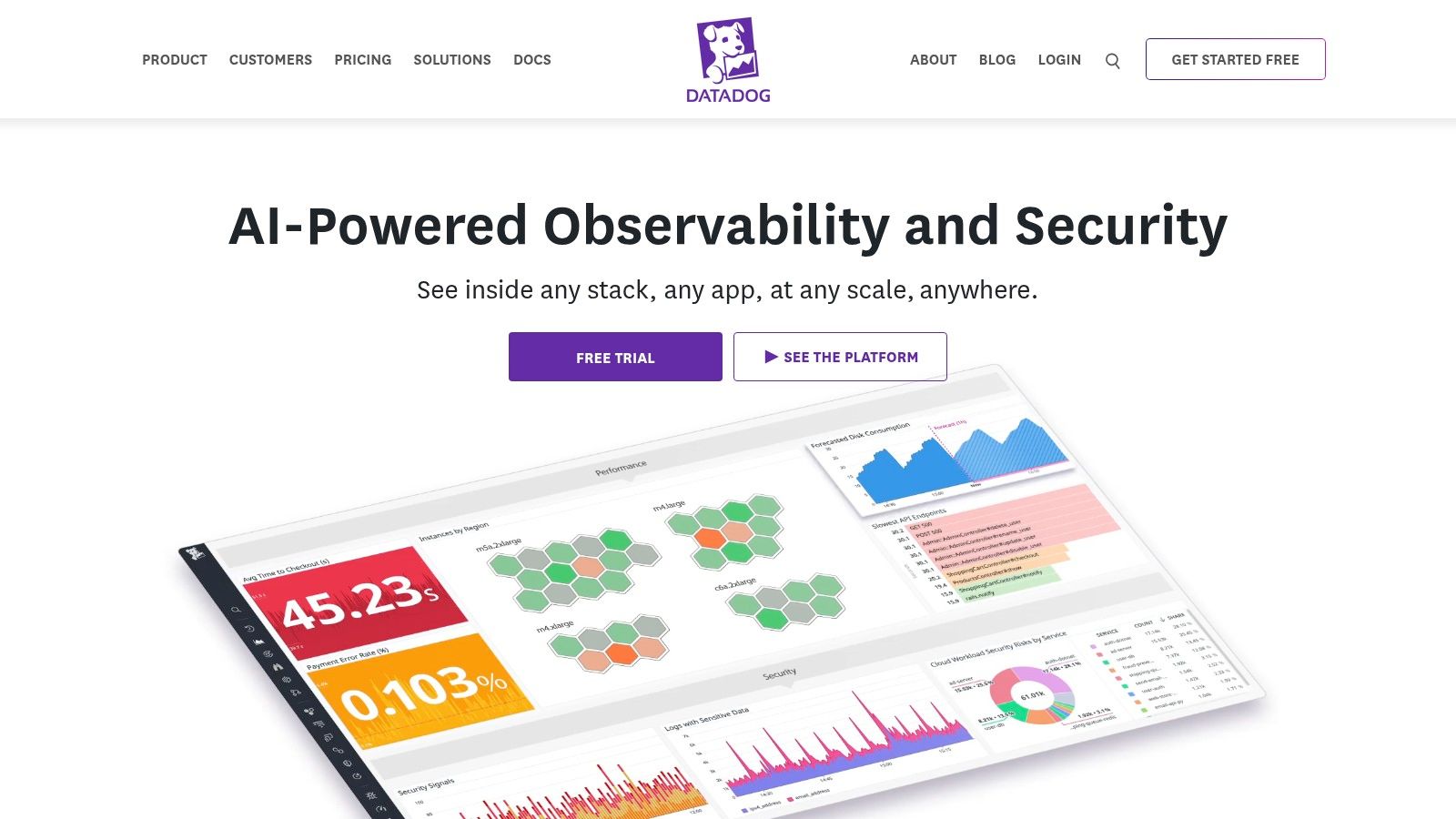
A common UK SMB scenario goes like this. The network looks fine, but staff still complain that Teams calls are choppy, a line-of-business app is slow, or Microsoft 365 feels unreliable. At that point, basic device polling is not enough. You need to connect network behaviour with cloud services, logs, hosts, and application performance. Datadog is built for that job.
Its strength is correlation. Datadog brings together network flow data, infrastructure metrics, logs, traces, and cloud telemetry in one platform, which helps teams work out whether the problem sits with a firewall, a VPN path, an Azure workload, or the application itself. For businesses that have moved heavily into Microsoft 365, Azure, and SaaS, that joined-up view can save a lot of time during incidents.
Best fit for teams that need more than network visibility
Datadog usually makes sense for businesses that already run a mixed estate of on-prem systems and cloud services, or for IT managers who want one monitoring stack instead of several overlapping tools.
A few points stand out:
- Network flow visibility: Useful for analysing traffic between sites, cloud workloads, and internal services
- Device monitoring: SNMP support helps cover switches, routers, firewalls, and other on-prem hardware
- Strong integrations: A practical fit if your team already monitors servers, containers, cloud platforms, or applications
- SaaS delivery: No monitoring server to maintain, which reduces internal admin work
The trade-off is commercial and operational rather than technical. Datadog pricing can be hard to forecast if you switch on multiple modules without clear ownership, especially for SMBs trying to keep costs predictable in GBP. Data ingestion, retention, and alert volume need active control. If nobody manages those settings, the platform can become expensive faster than expected.
This is also where the DIY versus managed service decision matters. A capable in-house team can get a lot from Datadog, but it rewards disciplined setup. Tagging standards, alert tuning, dashboard design, and integration choices all affect value. If your team is small, a local MSP or consultancy can help you avoid the common mistake of collecting everything and using very little of it.
Datadog is a strong option if you want to tie network events to wider service performance. If your requirement is mainly link status, device health, and straightforward alerting, it may be more platform than you need.
Current product information is available from Datadog.
5. Auvik

Auvik is built for speed and operational simplicity. That makes it especially attractive for lean internal IT teams, multi-site businesses, and managed service providers supporting branch offices with limited local technical presence.
Its biggest selling point isn't exotic analytics. It's that you can usually get useful visibility quickly. Automated discovery, topology mapping, alerting, and remote access features reduce the amount of manual groundwork needed before the platform starts helping.
Where Auvik earns its keep
Auvik works well in environments such as retail, care, professional services, and distributed offices where the priority is to see what's connected and troubleshoot remotely without maintaining another on-prem platform.
A few practical advantages stand out:
- Fast onboarding: Good for teams that can't spend weeks building templates
- Remote troubleshooting: Helpful where there's no engineer on site
- Multi-tenant design: Strong if an MSP or central IT team supports many locations
- Device-centric model: Easier to understand than some sensor-based tools
The compromise is depth. If you want very advanced traffic forensics, broad observability, or highly customised monitoring logic, Auvik can feel lighter than the biggest platforms on this list. Costs can also climb as device count grows, so site sprawl needs watching.
For distributed SMBs, simple and reliable often beats feature-heavy and half-implemented.
For many organisations, Auvik is less about technical ambition and more about consistency. If your current challenge is fragmented branch visibility, it's a very credible choice. See the vendor's current platform details at Auvik.
6. LogicMonitor
LogicMonitor appeals to businesses that want broad infrastructure and network visibility without the maintenance burden of a heavily self-hosted platform. It covers network devices, servers, cloud resources, storage, and applications, so it can act as a single operational pane for hybrid estates.
That positioning fits the wider market shift towards AI-assisted monitoring. Global enterprise adoption of AI-driven network monitoring has reached 58%, with the UK showing above-average implementation, according to this network performance monitoring market analysis. LogicMonitor sits squarely in that trend with anomaly detection and dynamic thresholding features.
Good for hybrid estates, but validate the noise level
What I like about LogicMonitor is the balance between breadth and lower platform overhead. You don't need to spend the same effort on hosting, patching, and scaling that open-source or on-prem tools usually demand.
Still, AI-led monitoring needs a reality check. UK IT managers often complain that automated alerting can add noise when thresholds and ownership aren't settled. That concern shows up in this industry discussion of network monitoring tools and AI alerting, where 54% of UK IT managers say AI-generated alerts increase noise rather than reduce it.
So the key test with LogicMonitor isn't whether it has anomaly detection. It's whether your team will tune it properly, route alerts to the right people, and decide which conditions deserve action. If you do that well, it can be an excellent managed-SaaS option.
For product details, visit LogicMonitor.
7. Zabbix

A common UK SMB scenario goes like this. The first monitoring platform was quick to buy, easy to justify, and fine at small scale. Then the estate grows, Microsoft 365 becomes business-critical, another site is added, and the licensing model starts to hurt. Zabbix usually enters the shortlist at that point.
It gives you a lot of control for very little software cost. You can monitor switches, firewalls, servers, virtual hosts, cloud workloads, and services from one platform, using agents, SNMP, web checks, and APIs. For businesses watching spend in GBP, that licence model is attractive. You are not paying per device in the same way many commercial tools require.
Best for teams that can run their own platform properly
Zabbix tends to work well for organisations that want to shape monitoring around their own environment rather than fit into a vendor's model. That includes teams that need custom templates, unusual alert logic, or tighter handling of on-prem systems alongside cloud services.
It is also a sensible option for UK firms already invested in Microsoft 365 but still running a mixed estate locally. Zabbix can sit alongside M365 operations instead of replacing them, which matters if the underlying issue is end-to-end visibility across internet links, local infrastructure, and the services staff use every day.
A good fit usually looks like this:
- Licence-sensitive environments: Strong option if recurring software costs are under pressure
- Mixed estates: Useful where on-prem, virtual, cloud, and network devices all need watching
- Technical teams that want control: Better for engineers who will customise templates, thresholds, and discovery
- Managed service support: A practical choice if a local provider such as F1Group will host, tune, and maintain it for you
The trade-off is straightforward. Zabbix is software you operate, not a service that disappears into the background. Someone still has to handle server sizing, database performance, upgrades, backups, alert tuning, and housekeeping. If nobody owns that work, the platform can become noisy, slow, or unreliable right when you need it most.
That is why I rarely present Zabbix as "free." The licence may be free, but implementation and ongoing care are not. For a capable internal engineer, or for an SMB using a local managed service partner, it can be one of the best-value tools on this list. For a lean team that wants fast setup and low admin overhead, a hosted product may still be the better business decision.
Current product information is available at Zabbix.
8. Kentik
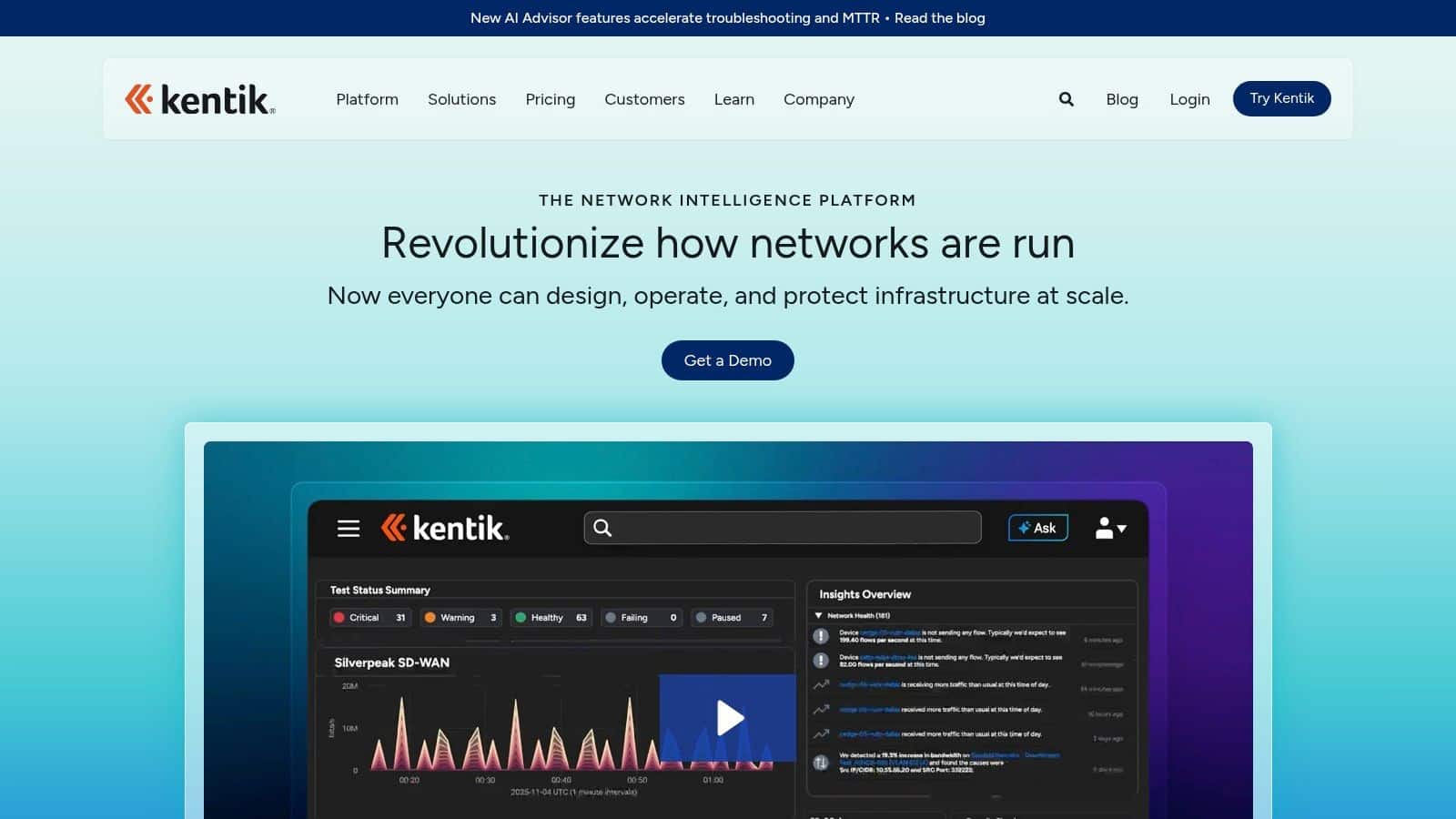
A common trigger for looking at Kentik is a business that has already outgrown basic up/down monitoring. Internet costs are climbing, users are complaining about slow cloud apps, and nobody can say with confidence whether the problem sits with a circuit, a provider, a routing decision, or a traffic spike. Kentik is designed for that level of investigation.
Its strength is flow visibility and path analysis, not general IT housekeeping. If a UK SMB runs bandwidth-heavy services, multiple sites, cloud interconnects, or customer-facing platforms where network performance affects revenue, Kentik can answer questions that simpler tools often cannot. It is especially useful where finance and IT both want clearer evidence for capacity planning, carrier reviews, and unexpected egress costs.
Best suited to network-centric businesses
Kentik usually makes sense for organisations with:
- High traffic volumes: Better suited to teams that need detailed flow data, not just device status
- Cloud and internet dependency: Useful where performance issues involve providers, paths, and external connectivity
- Security and edge concerns: A stronger fit if DDoS visibility or traffic anomaly detection matters
- Commercial impact from network issues: Helpful when poor network performance affects customers, uptime targets, or service delivery
For a lot of smaller UK firms, that level of detail is more than they need. If the day-to-day priority is keeping branch connectivity stable, tracking core switches, and reducing Microsoft 365 complaints, a broader SMB-focused monitoring tool often gives better value and a faster rollout. That is particularly true if the team wants predictable GBP budgeting and a platform that fits neatly into existing Microsoft 365 administration rather than a specialist network analytics workflow.
The other trade-off is operational. Kentik can be very capable, but you still need someone who understands what to collect, how to interpret it, and how to turn telemetry into action. For an in-house network team, that may be fine. For a lean IT department, it is worth deciding early whether this is a DIY deployment or something a local managed service provider such as F1Group should help design and run.
I would shortlist Kentik when the network itself is a business-critical system, not just background infrastructure. You can review the platform directly at Kentik.
9. Progress WhatsUp Gold

WhatsUp Gold remains relevant because not every business needs a modern observability suite. Some just need dependable discovery, straightforward availability monitoring, topology maps, and alerting for a traditional network estate.
That simpler model can still work well. The wider network monitoring market was valued at over £3.42 billion in 2025 and is projected to exceed £6.84 billion by 2032, with an 11.2% CAGR, according to this network monitoring market guide. Growth doesn't mean every firm should buy the most advanced platform available.
A sensible option for traditional environments
WhatsUp Gold is often a reasonable fit when you have:
- A familiar on-prem preference: Useful for teams that want local control
- Conventional device monitoring needs: Switches, routers, servers, and links
- Map-driven troubleshooting: Easier for smaller IT teams to interpret quickly
- Incremental adoption plans: Start with basics, add flow analysis if needed
Its limitations are easy to understand. You won't get the same cloud-native observability depth, internet path analytics, or cross-stack correlation found in newer SaaS platforms. That's why I'd position it as a dependable conventional monitor rather than a strategic observability platform.
For SMBs with stable, straightforward infrastructure and limited appetite for complexity, that can be perfectly fine. Review the latest offering at Progress WhatsUp Gold.
10. Cisco ThousandEyes

ThousandEyes solves a different problem from classic device monitoring. It tells you what users experience across internet paths, SaaS platforms, WAN circuits, and ISP dependencies. If staff rely on Microsoft 365, Teams, Zoom, or externally hosted apps, that visibility can be more useful than another SNMP dashboard.
This is especially relevant given the UK's growing compliance and cyber pressure. Europe held 23.80% of the global network monitoring market in 2025 with a valuation of USD 0.98 billion, projected to reach USD 1.1 billion in 2026, according to this regional network monitoring market forecast. In practical terms, organisations are investing more in visibility because internet, cloud, and third-party dependencies now sit in the critical path.
Best for internet and SaaS troubleshooting
ThousandEyes is particularly strong when users say, “the internet is slow” and you need evidence of where the issue sits.
Its strongest use cases include:
- Microsoft 365 and Teams troubleshooting: External path and service performance visibility
- Hybrid work support: Endpoint and cloud agent options help explain user complaints
- ISP accountability: You can see path degradation outside your own firewall
- SD-WAN visibility: A strong complement to wider branch connectivity strategies
It's important to be clear about the trade-off. ThousandEyes doesn't replace a full internal device monitoring platform for every organisation. It complements one. That's why it often pairs well with a broader SD-WAN managed services approach when branch and internet performance are business-critical.
For official product information, see Cisco ThousandEyes.
Top 10 Network Monitoring Tools Comparison
| Product | Core focus / Key features | Best for | Strengths | Considerations / Pricing |
|---|---|---|---|---|
| Paessler PRTG Network Monitor | Sensor-based monitoring (SNMP, WMI, flows, REST); auto-discovery, dashboards | Microsoft-centric estates, hybrid SMBs | Fast time‑to‑value; flexible sensor licensing; strong Windows support | Sensor count planning required; costs rise at scale |
| SolarWinds Network Performance Monitor (NPM) | Deep SNMP/CLI polling, NetPath, flow analysis, intelligent maps | Traditional multi‑vendor networks, enterprises | Very granular telemetry; powerful visualisations and path analysis | Steeper learning curve; pricing grows with element/modules |
| ManageEngine OpManager | Network, servers, VMs monitoring; flow analysis; topology maps; add‑ons | SMBs and mid‑market IT teams | Good value-for-capabilities; clear edition upgrade path | UI complexity until tuned; regional pricing differences |
| Datadog Network Monitoring | SaaS full‑stack observability; NPM + device monitoring; 600+ integrations | Cloud-first orgs and DevOps teams needing end‑to‑end visibility | Strong correlation across logs, APM and network; fast SaaS deploy | Modular pricing can add up; requires ingest governance |
| Auvik | SaaS automated discovery, mapping, remote troubleshooting, multi‑tenant | MSPs and distributed SMB sites with limited on‑site IT | Very quick onboarding; device-centric billing model | Advanced analytics require higher tiers; costs scale with devices |
| LogicMonitor | Cloud hybrid monitoring with AI anomaly detection; LogicModules | Teams wanting managed SaaS across network, infra and cloud | Broad single‑pane coverage; lower maintenance than self‑hosted | Sales-assisted, opaque pricing; advanced features in higher tiers |
| Zabbix (Open Source) | Agent/agentless, SNMP, flows, auto-discovery, templates, APIs | Teams wanting full control and no licence fees | Zero licence cost; highly customisable with strong community | Self-hosting overhead (scaling/HA/upgrades); steeper learning curve |
| Kentik | High‑cardinality flow analytics, cloud/edge visibility, DDoS detection | ISPs, SaaS providers, large multi‑cloud or bandwidth‑heavy networks | Exceptional traffic forensics and capacity planning; scales very large | Enterprise-focused; quote-based, premium pricing |
| Progress WhatsUp Gold | On‑prem discovery, polling, topology maps, optional flow add‑ons | SMBs / mid‑market with straightforward networks | Familiar traditional NMS; can be cost‑effective for simple envs | Fewer modern observability features; pricing requires direct eval |
| Cisco ThousandEyes | Internet/WAN/SaaS path monitoring; Cloud & Endpoint agents; BGP visibility | Organisations needing ISP/SaaS path and user experience visibility (e.g., O365) | Best‑in‑class external path and SaaS visibility; great for O365/Teams issues | Unit/subscription pricing; complements rather than replaces SNMP tools |
Final Thoughts
It is 8:45 on a Monday. Staff cannot reach a shared app, Teams calls are breaking up, and the office Wi-Fi looks fine at first glance. That is the point where tool choice stops being a feature comparison and becomes an operational decision.
For UK SMBs, the best option is usually the one that fits the environment you already run. That often means checking three things early: whether the product gives clear visibility into Microsoft 365 and internet path issues, whether pricing works in GBP or at least stays predictable once devices and add-ons grow, and whether your team has the time to tune alerts, maps, thresholds, and escalation workflows properly.
The trade-off is straightforward. A broad observability platform can cover networks, servers, cloud services, and applications in one place, but it may be more than a small IT team needs. A dedicated network monitoring tool is often quicker to deploy and easier to justify, but it may leave gaps around SaaS performance, user experience, or cloud dependencies.
The operational model matters just as much.
Some teams want full control, especially if they already have in-house networking skills and prefer to keep tooling on-premise. Others get better results from a managed service because the cost is not only the licence. It is the time spent maintaining probes, reviewing false alerts, updating templates, and making sure someone acts on what the platform finds. That is often the deciding factor for smaller UK businesses with lean IT teams.
The UK Cyber Security Breaches Survey 2025 supports the same point. Buying monitoring software is only part of the job. The value comes from response, triage, and day-to-day use.
A simple way to narrow the list is to match the tool to the problem. PRTG and OpManager are sensible choices for broad SMB coverage. Auvik suits businesses that want fast rollout across multiple sites. SolarWinds remains a strong fit for deeper network operations. Datadog and LogicMonitor make more sense where infrastructure and cloud monitoring need to sit together. Zabbix can work very well if your team is comfortable running and maintaining it. Kentik is better suited to heavy traffic analysis. WhatsUp Gold fits traditional environments. ThousandEyes stands out when Microsoft 365, Teams, ISP performance, and SaaS path visibility are regular pain points.
Choose the tool your team can run well and use consistently.
If you want help choosing, deploying, or managing the right F1Group solution for your business, speak to a team that supports organisations across the East Midlands with Microsoft 365, Azure, cyber security, and dependable IT operations. Whether you need a practical SMB monitoring rollout or a fully managed service, we can help you avoid overbuying, close visibility gaps, and make the tools useful day to day. Phone 0845 855 0000 today or send us a message.