
77% of UK businesses now handle digitised data, but only 19% use a public-cloud provider, so most Dynamics 365 migrations involve consolidating scattered on-premises systems into a controlled Microsoft environment rather than completing a simple lift-and-shift. The right Dynamics 365 migration services start with readiness, ownership and data decisions before anyone begins importing records.
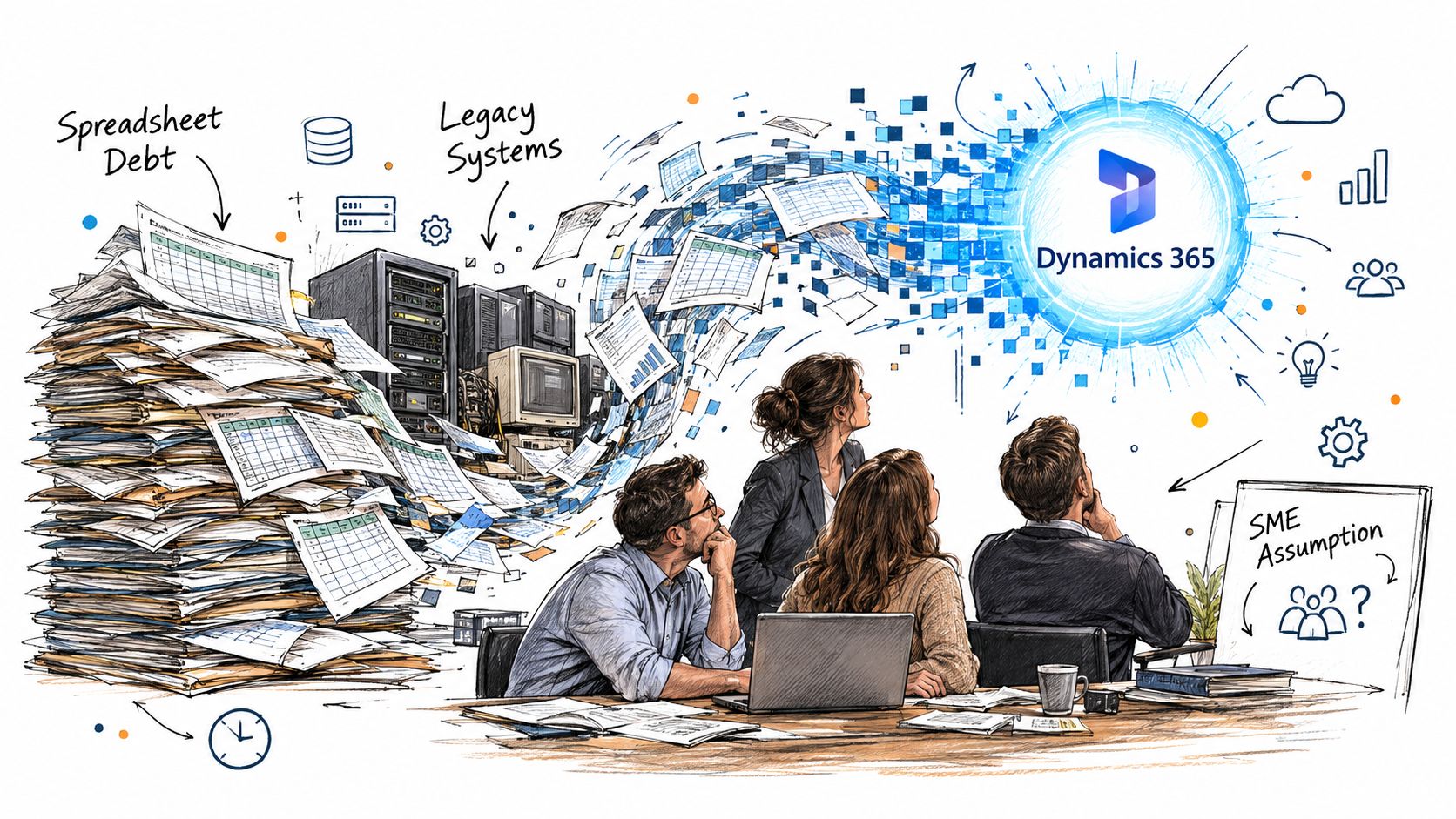
That's the situation facing many East Midlands businesses. The finance team has spreadsheets, sales has an ageing CRM, operations relies on an on-premises database, and nobody can confidently explain which integrations are still running. The organisation wants Dynamics 365, but the critical question is whether it's ready to move without carrying years of duplication, undocumented processes and avoidable risk into the new platform.
Why Dynamics 365 Migration Requires More Than Tool Selection
A small or mid-sized business can buy Dynamics 365 quickly. It can't understand its entire information estate quickly. Customer records may exist in legacy CRM software, Excel workbooks, email exports, accounting systems and cloud applications maintained by different teams. The person who built a critical spreadsheet may have left, while a finance manager still depends on it every day.
The UK Government's 2024 UK Business Data Survey found that 77% of UK businesses handled digitised data, compared with 85% in 2022. Only 19% used a public-cloud provider such as Microsoft Azure, while 35% stored and processed data on premises. Among businesses storing data outside their premises, 10% experienced server or cloud outages or downtime.
That mixed environment changes the nature of the project. You're not merely copying records into Dataverse. You're deciding which systems remain authoritative, which integrations need rebuilding, who owns each data set and how the business will operate during cutover.
Readiness comes before architecture
Start with people and processes, not licensing. Name a business owner for each major data domain, including customers, suppliers, products, finance records and service history. Ask users how work is really completed, rather than relying solely on process documents that may no longer reflect daily practice.
A useful discovery exercise should identify:
- Process ownership, including who approves changes and resolves exceptions.
- Data accountability, including who can decide whether a record is retained, archived or deleted.
- Integration dependency, including links to finance, telephony, websites, warehouses and reporting tools.
- Internal capability, including who will administer Dynamics 365 after the partner leaves.
- Continuity requirements, including the processes that cannot stop during migration.
A specialist resource on Cloudvara cloud migration solutions can help frame the wider cloud transition, but your own team still needs to make the business decisions. No migration tool can determine whether an obsolete customer record has legal, operational or analytical value.
Practical rule: If nobody can explain who owns a data set, the organisation isn't ready to migrate it.
A technically successful deployment can still fail commercially. Users may reject forms that don't match their work, reports may lose trusted definitions, and managers may continue maintaining shadow spreadsheets. Treat Dynamics 365 migration services as an organisational change programme with a technical workstream, not as an IT procurement exercise.
The Nine-Gate Migration Sequence
A dependable UK migration uses gates, not optimism. Each gate should have a named owner, documented evidence and a clear decision to proceed, pause or reduce scope. The UK Government Digital Marketplace service description identifies discovery, data migration, solution redesign, integration, testing, training and service transition as core stages.
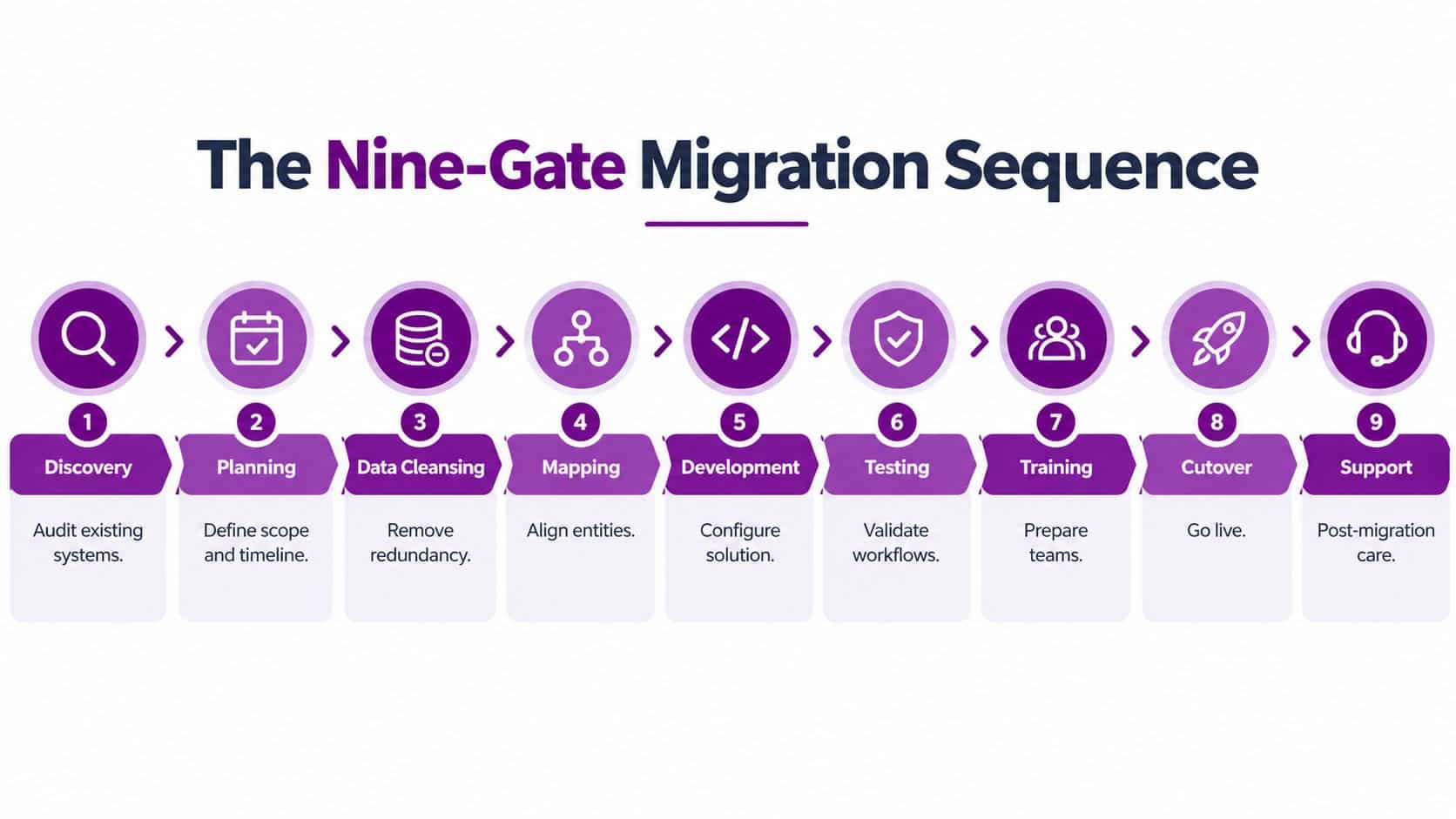
Use the following sequence as a working control model.
- Inventory: Catalogue entities, databases, spreadsheets, customisations, integrations, security roles and regulatory obligations. The exit condition is a signed inventory, not a partly completed discovery document.
- Classify: Place each data set into migrate, archive or delete categories. Record the operational, legal or analytical reason for each decision.
- Profile: Measure duplicates, missing values, invalid formats, orphaned records and broken relationships. The business owner must accept the quality baseline before mapping begins.
- Redesign: Replace unsupported customisations with native Dynamics 365 configuration, Power Platform components or supported APIs where appropriate. Don't reproduce a poor process just because the old system contained it.
- Pilot: Load representative records, including difficult exceptions and related entities. A pilot should prove that mappings, permissions and business rules work together.
- Reconcile: Compare source and target record counts, financial totals, relationship integrity and exception queues. Reconciliation reports should be retained as audit evidence.
- Test: Run role-based user acceptance testing, security tests and performance tests. Users must test real tasks, not just inspect screens.
- Cut over: Freeze or control source changes, complete the final load, confirm rollback criteria and communicate ownership. The cutover plan must state who can stop the release.
- Hypercare: Monitor integrations, user adoption, data exceptions, performance and support demand after go-live. The project isn't complete until operational ownership is demonstrably working.
Run at least two mock migrations. The first should expose mapping and cleansing defects. The second should prove repeatability, reconciliation and realistic cutover timing. Before production, confirm the UK GDPR lawful basis, retention schedules, data-processing agreements, access controls and any transfer of personal data outside the UK.
Direct database inserts are a poor shortcut because they bypass application business logic. Use supported import mechanisms, Dataverse APIs or vendor-approved tooling, then preserve immutable migration logs and reconciliation reports.
What Not to Migrate
The safest migration is often the one that leaves data behind. Moving every historical record feels defensive, but stale contacts, duplicate accounts, obsolete activities and untrusted fields increase testing effort and make the new system harder to use.
A UK CRM migration source cites a failure rate above 55% for implementations that don't achieve planned objectives and attributes roughly 70% of migration failures to inadequate data cleansing, as reported in CRM Insights' migration guidance. The same source reports that 83% of data-migration projects either fail outright or exceed budget or schedule. These figures are directional industry indicators, not guaranteed probabilities for a Dynamics 365 project, but they support a clear position: cleansing deserves funding and senior attention.
Use three deliberate decisions
Migrate records that support active operations, contractual obligations, regulatory reporting, customer service, financial analysis or approved future use. Define the minimum fields required for each entity and don't import unused legacy columns merely because an export contains them.
Archive information that must be retained but doesn't belong in operational Dynamics 365 screens. Store it under documented retention, access and restoration rules. Test restoration before decommissioning the source platform, otherwise the archive is only an assumption.
Delete data with no business, legal or analytical value, subject to an approved decision and documented retention policy. Deletion isn't a technical convenience. It needs accountability, especially where personal data is involved.
The uncomfortable question: What decision will this record support after migration?
Data owners should review duplicates, nulls, invalid formats and referential-integrity defects before extraction. A customer record with no valid identifier, no recent activity and no accountable owner shouldn't receive an automatic place in Dynamics 365.
Avoid direct database inserts to accelerate the load. Supported import methods and APIs preserve application rules and give the delivery team a defensible audit trail. The result is a smaller, more useful system, with fewer exceptions for staff to manage and fewer historic mistakes presented as current information.
Measuring and Mitigating Migration Risk
Good migration governance makes risk visible before it becomes a production incident. An East Midlands business doesn't need an elaborate dashboard to start. It needs agreed measurements, accountable owners and acceptance thresholds that prevent the programme from advancing because the schedule is uncomfortable.
Track the scorecard from discovery through hypercare. The figures should come from repeatable extracts and automated validation, not from a project manager's confidence level.
| Metric | Acceptance Threshold |
|---|---|
| Record counts | Source and target totals reconcile, with every variance explained |
| Field completeness | Required fields meet the agreed business baseline |
| Duplicate percentage | Duplicates are below the agreed threshold, with exceptions owned |
| Failed-row percentage | Failed records are resolved or formally accepted before cutover |
| Referential integrity | Related records connect correctly, with no unexplained orphaned data |
| Integration success rate | Critical interfaces complete their agreed test scenarios |
| UAT pass rate | Business-critical scenarios pass role-based testing |
| Critical-process response time | Priority workflows perform within the agreed operational limit |
Establish the baseline before cleansing. Then run automated validation after every load, not just at the end. A failed row can indicate an incorrect mapping, an invalid source value, a missing relationship or a security problem. The team should classify the cause, correct it and rerun the affected control.
Business owners must sign off exception queues. IT can explain why a record failed, but only the business can decide whether it should be corrected, excluded, archived or accepted as a known limitation. That decision protects the programme from accumulating unresolved defects without notice.
For practical controls covering preparation, validation and reconciliation, use F1Group's data migration best practices. Weak change management and inexperienced delivery teams can compound poor data quality, so measure adoption as well as technical completion. Track whether users complete priority tasks, whether support requests are reducing and whether teams have stopped maintaining unofficial parallel records.
A migration is controlled when an exception has an owner, a decision and a recorded outcome.
Platform Constraints and Technical Pitfalls
Platform constraints are easier to manage when discovered during design rather than cutover rehearsal. Compare every proposed loading approach against the size, relationships, security model and processing behaviour of the target Dynamics 365 workload.
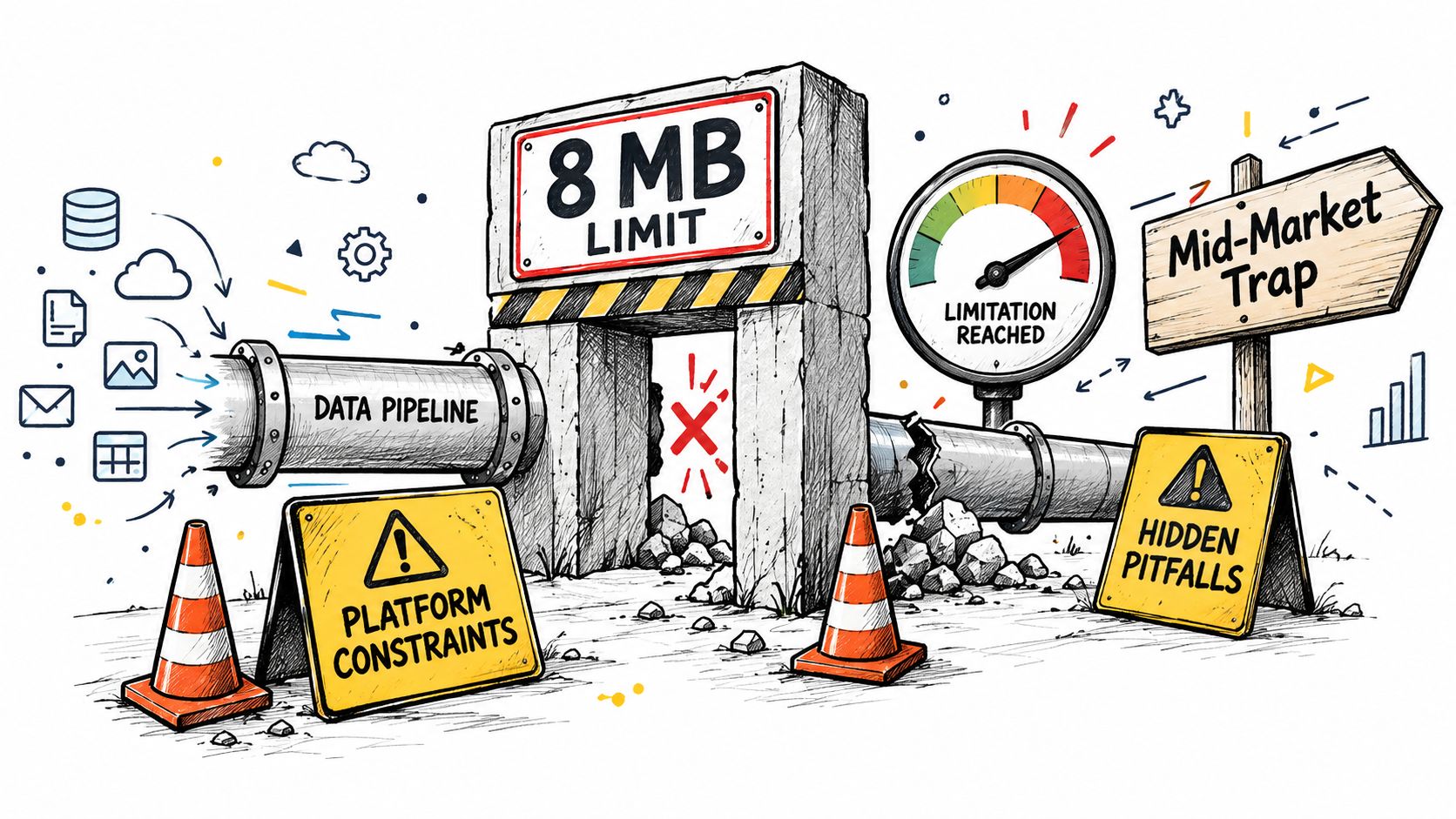
For Dynamics 365 Customer Insights, Journeys documentation specifies an 8 MB maximum file size for imports by default. Larger extracts must be split into compliant batches, sequenced correctly and reconciled afterwards. Splitting a file without duplicate-detection rules can create repeated records, while poor sequencing can leave relationships incomplete. Define batch identifiers, expected totals and restart procedures before the first rehearsal.
Microsoft has also deprecated Azure Active Directory Graph in favour of Microsoft Graph, with support ending in October 2024, as described in Microsoft's Dynamics 365 platform deprecation information. A migration containing legacy directory calls needs code discovery, permission redesign, integration testing and a controlled cut-over. Existing authentication isn't proof of future support.
Microsoft publishes deprecation information across products including Sales, Customer Service, Finance, Human Resources, Supply Chain Management and Business Central. Review customisations, integrations and authentication dependencies against the relevant product roadmap. Deprecated features continue to work until Microsoft officially removes them, but after removal they no longer work, so postponing the assessment creates avoidable rework.
Choose the loading method deliberately
Supported import mechanisms and Dataverse APIs provide control and traceability. For larger Finance and Operations migrations, Microsoft's Data management workspace includes an import threshold record count and import task count, which influence how records are split and processed across threads. Test these settings during rehearsals rather than assuming default processing will suit every legal entity or table.
Integration scope needs the same discipline. Map ownership, error handling, retry behaviour and security for each connection. A useful reference for the relationship between customer and enterprise systems is this CRM ERP integration guide. For a deeper look at delivery dependencies, review Dynamics 365 integration services.
Choosing the Right Dynamics 365 Migration Partner
Price matters, but partner accountability matters more. A low initial proposal can become expensive if discovery is shallow, exceptions are treated as change requests and support ends at go-live.
Ask each provider to explain its migration method in operational terms. You should hear how it handles source-system inventory, data ownership, reconciliation, rollback, security testing and post-launch support. General Dynamics 365 implementation experience isn't enough if the team can't demonstrate control of a migration from your source platform.
Questions to put to suppliers
- Source-system experience: Ask for relevant migration examples involving your actual source technology, data model and business sector. A Salesforce migration, an old Dynamics CRM migration and an ERP migration create different risks.
- Cutover control: Request the cutover runbook, decision points, rollback criteria and treatment of transactions created during the transition.
- Data assurance: Ask how the provider reconciles counts, relationships, financial totals and exception queues. Look for automated reports, not verbal assurances.
- Security and compliance: Confirm privileged-access controls, UK GDPR responsibilities, retention decisions, audit evidence and incident ownership.
- Operational handover: Identify who will administer Dynamics 365, Power Platform and integrations after the project team leaves.
- Support model: Require named post-launch services, escalation routes, monitoring and a process for improving adoption.
For East Midlands organisations, local coverage can make escalation and user support more practical. Check whether the provider can support teams across Lincoln, Nottingham, Leicester, Scunthorpe, Grimsby and Newark, remotely and on site where needed. Confirm vendor certifications, DBS checks for personnel who require site access and the provider's approach to access removal when work ends.
UK research in the Cyber Growth Action Plan identifies cost, skills shortages and security as common barriers for mid-sized organisations, while advanced technology adoption increases demand for cybersecurity and digital-information skills. That makes the support model a board-level concern, not a helpdesk detail.
F1Group provides Microsoft-focused Dynamics 365 implementation, development and support across Sales, Customer Service and Human Resources. Its Dynamics 365 partner services are one option for organisations assessing local delivery, managed support and Microsoft ecosystem capability.
The right partner should also help you retain control. Require documentation, exportable migration logs, accessible configuration knowledge and a realistic exit plan. You shouldn't become unable to operate safely because one supplier holds the only understanding of your integrations.
Cost Drivers and Next Steps for East Midlands Businesses
Migration budgets are shaped by complexity, not by the number of Dynamics 365 licences alone. The main drivers are the volume and condition of source data, the number of customisations, integration depth, testing rigour, training requirements and the amount of process redesign required before deployment.
A business with clean data and few interfaces may need a focused migration. A business with several legal entities, old custom code, spreadsheet-led approvals and heavily connected finance or service systems needs more discovery, cleansing and rehearsal. Treat remediation as a visible workstream rather than hiding it inside an implementation estimate.
Where the budget goes
Data remediation covers profiling, deduplication, format correction, relationship repair, archival design and business-owner reviews.
Solution redesign covers unsupported customisations, security roles, workflows, forms, reporting and Power Platform components. Rebuilding every old feature can cost more than changing the process.
Integration work covers interface discovery, API changes, authentication, error handling, monitoring and end-to-end testing with external systems.
Testing and continuity cover pilot loads, mock migrations, reconciliation, role-based UAT, backup validation, rollback planning and hypercare.
People and adoption cover process workshops, training, internal administration and the time that subject-matter experts spend validating decisions.
Phased deployment usually gives smaller organisations better control than a big-bang release. Start with a process area where ownership is clear, data quality is manageable and benefits can be measured. Use what you learn to improve the next release, but don't split the programme so aggressively that users operate across confusing parallel systems for too long.
Review Microsoft's Dynamics 365 deprecation guidance during readiness assessment. Deprecated features remain supported until Microsoft officially removes them, so catalogue dependencies early and plan redesign before they become a cutover emergency.
Your next steps should be practical:
- Appoint an executive sponsor and data owners.
- Inventory systems, integrations, customisations and critical processes.
- Classify records into migrate, archive and delete.
- Create a data-quality scorecard with agreed acceptance thresholds.
- Request a discovery-led proposal that separates remediation from implementation.
- Insist on two mock migrations, reconciliation evidence and a rollback plan.
- Confirm UK GDPR, retention, access and business-continuity controls.
- Agree post-launch ownership, support and exit arrangements.
Don't approve a production date until the business can explain what will change for users, what will remain available during cutover and who will make decisions when a record fails validation. That discipline protects service continuity and keeps Dynamics 365 focused on useful business outcomes rather than acting as a new home for old disorder.
F1Group helps East Midlands organisations assess readiness, plan Dynamics 365 migrations, manage data and integrations, test workflows, train users and provide post-launch support. Call 0845 855 0000 today or send us a message to discuss your migration.