
You're probably living this already. A managing director in Nottingham or Leicester finishes a Teams meeting, opens Outlook, and finds a sales inbox full of half-answered questions, three reports due by Friday, and a manager asking for a cleaner forecast before lunch. That isn't a software problem. It's an operating-model problem, and that's exactly where a proper AI business solution starts.
Most vendors sell AI as if it's a switch you flip. It isn't. For an East Midlands SME, it's the connected use of Microsoft 365, Dynamics 365, Power Platform, Azure, and the governance around them, so the routine gets handled, the right information surfaces quickly, and your team spends more time on work that moves revenue, service, or control forward.
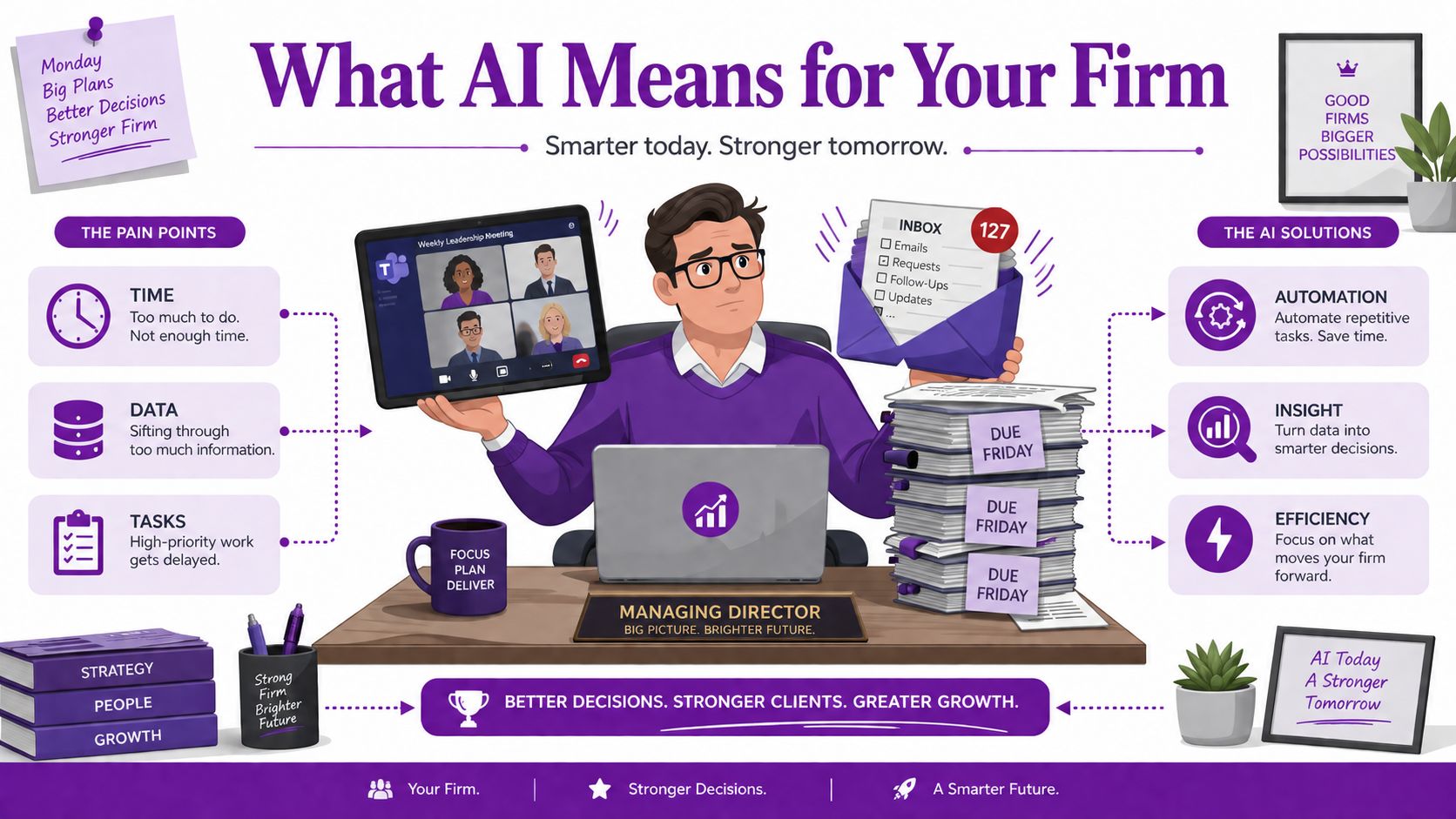
What an AI Business Solution Actually Means for Your Firm
An AI business solution is not a chatbot sitting on top of your website. For a firm in Nottingham, Lincoln, Leicester, or Scunthorpe, it's the combination of data, model access, workflow integration, and controls that lets AI do useful work inside the tools your staff already use every day. If it doesn't connect to the way your team handles emails, records sales activity, approves requests, or pulls management information, it's a demo, not a solution.
Start with the work, not the label
Most AI marketing blurs three different things. There are point tools that answer questions, workflow automations that move data between systems, and genuine operational solutions that change how a process runs from start to finish. The last one is what matters, because that's where you get actual business value, not just novelty.
For an East Midlands SME already using Microsoft 365, the most practical definition is simple. An AI business solution is a layer that sits across your existing Microsoft environment and helps people complete repetitive tasks faster, with fewer errors and better visibility. That might mean Copilot drafting a response from a long email thread, Power Automate moving approvals through a process, Dynamics 365 keeping customer records in one place, or Azure hosting a custom model that must sit behind tighter controls.
Practical rule: if the AI tool can't show you where the data came from, who approved it, and where the result lands in your process, it's not ready for business use.
The first question to ask is not “What AI features does this product have?” It's “Which process gets shorter, cleaner, or more reliable if AI is added here?” That question cuts through the hype immediately. It also tells you whether you need a licence change, a process redesign, or both.
Separate real capability from branded automation
Vendor pages love the word AI because it sounds strategic. In reality, some “AI” features are just templates, rules, or text generation bolted onto software you already own. That isn't bad in itself, but it's a different buying decision.
A firm should evaluate an AI business solution against four things. First, data, because AI output is only as useful as the information it can reach. Second, workflow fit, because a model that sits outside your day-to-day process gets ignored. Third, governance, because you need to know who can use it and what data it can touch. Fourth, integration, because your team won't adopt a separate island of tools if Microsoft 365 is already the centre of gravity.
That's the mental shift most SMEs need. You're not buying an “AI thing”. You're deciding whether to improve an existing operating model with AI-enabled Microsoft services, or whether you need a fuller rebuild of how information moves across your business.
The Microsoft Stack Behind Modern AI Business Solutions
A proper Microsoft-based AI setup is a stack, not a single product. In a 60-person professional services firm in Lincoln, the stack usually starts with the everyday tools people already open before 9 a.m., then moves down into the systems that hold the business together. That's the point many firms miss, because they buy at the surface and never fix the plumbing underneath.
The Government's AI discussion has already moved from theory to deployment, with productivity and operational value now the primary prize, not novelty (DSIT and ONS-linked AI adoption context). That's why the Microsoft stack matters. It's built to support work, not just experiments.
The layers that actually matter
At the top sits Copilot, the day-to-day layer inside Word, Excel, Outlook, and Teams. That's where most staff feel the value first, because it reduces the drag of drafting, summarising, and finding information. It's the visible edge of the system, not the whole system.
Below that sits Dynamics 365, which acts as the system of record for sales, customer service, and HR processes. If your customer notes, pipeline stages, service cases, or people records are spread across spreadsheets and inboxes, Dynamics gives you one controlled place to work from. That matters because AI performs far better when the underlying process is structured.
The connective tissue is Power Platform, especially Power BI, Power Apps, and Power Automate. Non-developers can use this layer to build dashboards, request forms, approvals, and workflow automation around their existing Microsoft data. For AI to be useful in business, this layer is often where the fastest wins live. This Power Platform explainer is a useful place to understand how the pieces fit together.
At the base is Azure, which is where custom models, integrations, and tighter compliance controls live. If you need a secure foundation for line-of-business systems, specialist data handling, or controlled AI services, Azure is what stops the whole thing becoming a patchwork of disconnected tools.
Here's the simplest way to think about it. Copilot helps staff work faster. Dynamics 365 organises the business process. Power Platform joins the process together. Azure gives you the secure backbone. When those layers are aligned, AI becomes part of the operating model rather than an extra gadget.
For teams who learn visually, this short walkthrough helps:
The mistake I see in smaller firms is trying to force Copilot to do work that should be done by process design in Dynamics or automation in Power Platform. That's expensive confusion. If you're sitting on messy records and undefined ownership, no layer on top will rescue you for long.

Real Use Cases That Deliver Measurable Value
The best AI projects I've seen in East Midlands SMEs all share the same trait. They target a boring, repeated process that already exists, and they make one team's week easier without forcing the whole business to change overnight. That's why “AI in business” should be treated as process surgery, not a grand transformation speech.
The strongest public evidence for this direction is in back-office and service-heavy work, where the economics improve because multi-step admin gets compressed into fewer handoffs. Industry analysis of enterprise AI capability building says mature implementations in functions like IT support, HR, finance, and administration can drive cost structures 15–25% below industry averages when the solution is tightly integrated and continuously monitored (enterprise AI capability guidance). That's a useful benchmark, but only if you're solving the right problem.
Four workflows worth piloting
IT support triage is the first obvious win. A 50 to 150 person firm can use Copilot in Teams to draft the first response, while a Power Apps helpdesk form captures the issue and routes it properly. Before, staff email IT, someone retypes the request, and a technician chases missing details. After, the request lands once, gets categorised faster, and the right person sees it with context. In a busy internal support function, that can remove several hours a week of avoidable admin.
Sales pipeline management is the next one. In Dynamics 365 Sales, Copilot can help draft follow-ups, summarise account history, and keep opportunity notes from being trapped in inboxes. The workflow shifts from “find the last thread, remember the next step, and update the record later” to “update the record as part of the conversation”. That matters because stale CRM data kills forecasting, and discipline beats enthusiasm.
Finance month-end is often cleaner than people expect. Power Automate can move data from Excel into a Power BI dashboard, giving the finance lead a live picture of what's missing before the close becomes a firefight. For firms still reconciling spreadsheets manually, the gain isn't glamour, it's control. If you want a deeper primer on reporting structure, this business intelligence basics guide is worth reading alongside your current close process.
HR onboarding is the final high-value use case. Copilot can draft offer letters and policy summaries, while a Power App tracks probation reviews, training completion, and key dates. That takes pressure off the people team and stops onboarding relying on memory and sticky notes.
If you want a wider market lens on how tech-enabled hiring and workflow platforms are being funded, the funding for tech recruitment platforms story is a useful reminder that investors are still backing workflow improvement, not just shiny AI labels.
The right pilot is one where the manager can name the process, the owner, the baseline, and the improvement they want to see before any licence is bought.
For readers who want a practical framework for turning one workflow into a project, this actionable AI implementation roadmap is a useful external reference. The principle is the same whether you're automating service desk intake or cleaning up month-end reporting, start with one narrow process and make it visible.
The Honest ROI Picture for UK SMEs
Most AI productivity claims are built on US enterprise studies, and they don't map cleanly onto a 40-person firm in Scunthorpe. That's not cynicism, it's basic honesty. A small business doesn't have the same data maturity, the same change capacity, or the same spare management time as a multinational.
The UK data tells a more grounded story. The Office for National Statistics found that 15.1% of UK businesses reported using at least one AI technology in the last 12 months, up from 8.2% in 2023, and usage was faster in larger firms than smaller ones, with information and communication activities leading the way (ONS AI adoption release). A separate UK business survey found 44% of businesses with 10+ employees used at least one AI technology in 2024, up from 33% in 2023, again with larger firms ahead (UK business survey summary). The British Chambers of Commerce also reported only 18% of UK firms had adopted AI tools by late 2024 (BCC adoption summary).
What that means in practice
The lesson is simple. AI is moving into mainstream business use, but the gap is still execution, not awareness, especially for SMEs. Most smaller firms don't need a grand AI programme. They need one workflow redesigned properly, inside the Microsoft tools they already use, with a clear owner and a measurable gain.
That's why I push clients away from vague “productivity uplift” language. If someone can't tell you where the time saving appears, who does less manual work, and how often the process runs, the ROI claim is fluff. Real value is narrow. It shows up in service desk triage, sales admin, finance reporting, customer follow-up, or onboarding, not in a generic promise that “everyone will work smarter”.
The payback model should be brutally simple. Add the licence cost per user, the partner days required to configure and support it, the hours saved per process, and the conservative hourly cost of the person doing the work today. If the numbers don't make sense on that basic line, don't buy the project.
If a vendor sells “transformation” before they can name the workflow, walk away.
That's the right lens for East Midlands SMEs. Don't ask whether AI is powerful. Ask whether one specific process gets cheaper, quicker, or cleaner enough to justify the change. If it does, the rest follows. If it doesn't, save your budget.
A Practical Implementation Roadmap for East Midlands SMEs
The biggest mistake I see is licence-first buying. A managing director gets sold Copilot, then discovers the data is messy, permissions are loose, and nobody has agreed how staff should use it. That is how AI projects turn into expensive confusion. Start with the workflow, the data, and the rules, then buy the licence.
Six stages that keep the project sane
1. Audit what you already pay for. Check your Microsoft 365 estate first, because many firms already have features they are not using. The deliverable here is a licence and capability map, not a purchase order.
2. Clean up the data sources Copilot will touch. SharePoint, OneDrive, and Dynamics 365 need sensible structure, current ownership, and proper naming. Copilot quality is bounded by data quality, so remove clutter and duplicates before the AI can amplify them.
3. Tighten access and security. Use Microsoft Entra ID, Purview, and conditional access to make sure the right people can see the right information. If staff have inherited access they should not still have, AI will expose that weakness faster.
4. Write a governance policy. This should cover acceptable use, prompt hygiene, human oversight, and how personal data is handled in line with ICO expectations. The UK regulator says organisations using personal data for AI must have a lawful basis, be transparent about use, and build privacy and minimisation in from the start (ICO guidance on AI and data protection).
5. Run one controlled pilot. Pick one team and one workflow, then define a success metric before you begin. A discovery pack, a pilot brief, and a rollback plan are the deliverables your IT manager should hand to a partner. If you need a practical way to structure that work, use actionable AI implementation frameworks as a reference point, then adapt the approach to your own Microsoft estate.
6. Scale only after evidence. Measure hours saved, error rates, and user sentiment. If the pilot helped but adoption is weak, the issue is change management, not technology.
For teams that want a visual planning aid, this staged approach is a strong way to structure the work:

The mistake to avoid is treating governance as a later task. The UK Government's public-sector guidance on generative AI makes accountability explicit, keeps a human accountable for decisions, and requires risk assessment and testing before deployment (government AI governance guidance). That is the right standard for business too, because if you cannot explain the process, you cannot defend it when something goes wrong.
A good way to structure the first phase is to keep the scope narrow and use a partner who can translate governance into a working Microsoft setup. For a checklist that helps you turn that into a practical plan, this AI implementation framework gives a helpful outside view. Keep the project small enough to learn from, but real enough to matter.
The partner side matters too. If you want to check whether a provider has proper Microsoft credentials before you commit budget, this guide to Microsoft certified partners is a sensible place to start. Use it as a filter, not as a shortcut.
Choosing the Right Microsoft Partner in the East Midlands
A good partner doesn't just sell licences. They help you decide what not to buy, what to clean up first, and where the first pilot should run. That matters more in a 50-person firm than in a large enterprise, because one bad implementation can waste months of staff time and create avoidable mess.
The questions you ask should be direct. Which Microsoft vendor certifications do they hold? Are their engineers DBS-checked? Can they show a recent Copilot or Dynamics 365 deployment in a similar-sized business? How do they handle training and user adoption, not just configuration? What's the escalation path when something breaks after go-live?

What a sensible engagement looks like
A credible regional partner usually starts with a discovery workshop, moves into a limited pilot, then shifts into managed support once the workflow proves itself. That sequence is better than a broad national reseller model for many SMEs in Lincoln, Nottingham, Leicester, Scunthorpe, Grimsby, and Newark, because responsiveness and relationship quality matter when your team is small and your change budget is tight.
The practical test is simple. If the provider can't describe how they would secure the data, train the users, and support the process after launch, they're not really offering a business solution. They're offering a product sale with a service wrapper.
F1Group fits the model of a Microsoft-focused regional partner that can cover managed support, Microsoft 365, Azure, Dynamics 365, Copilot AI, Power Platform, and custom app development, with vendor-certified and DBS-checked engineers. That combination matters because AI projects fail most often at the boundaries between tools, people, and support, not in the demo.
Microsoft certified partners should be part of your due diligence, but certification alone isn't enough. Ask how they'll keep ownership clear when the pilot ends and the support questions begin.
Making the Right First Move for Your Business
If your team already lives in Microsoft 365, start with Copilot licensing and a SharePoint tidy-up. If sales or service is breaking, start with Dynamics 365 and Power Platform. If the pain is a bespoke workflow that never quite fits off-the-shelf software, start with Power Apps and Power Automate before you touch Copilot.
That's the choice. An AI business solution is an operating-model decision, not a software purchase, and the firms that treat it that way get to value faster. UK policy and Microsoft's own platform direction will keep pushing this space forward through 2026 and beyond, but the winners will still be the businesses that clean up data, lock down governance, and pilot one workflow properly before they scale.
If you want a straight answer on where to start, F1Group can assess your Microsoft 365 setup, map the right AI use case, and build a phased rollout that fits an East Midlands SME budget. Visit F1Group to arrange a discovery workshop, or phone 0845 855 0000 today and send a message via https://www.f1group.com/contact/ to get the conversation moving.